Cook along with What's Cooking
Everything I write here assumes you have already decided what dinner is. Over there, I decide it for you — one dish, no list, and then I stand at your shoulder while you cook it.

Everything I write here assumes you have already decided what dinner is. Over there, I decide it for you — one dish, no list, and then I stand at your shoulder while you cook it.
- Cost: Free
- Read: 4 min
- Account: Not needed
- Stage: Open beta
There is a particular twenty minutes that happens in every household, and it is not a cooking problem. Four people, or two people, or one person and a fridge, and the entire conversation is what do you want — I don't mind — well what is there. Nobody in that room lacks a recipe. There are ten thousand recipes within reach. That is precisely the difficulty: a list is what you give someone who wants to browse, and nobody in that room wants to browse.
A list is an answer for a person with time. At seven o'clock on a Tuesday, a list is just the same question written down more times.
So there is a companion to this edition, and it does the one thing an article cannot: it commits. It is called What's Cooking, it lives at whatscooking.guide, and I am the chef in it. You tell it something, or nothing at all, and it hands back a single dinner — not three, not a shortlist. One dish, one method, one declaration. Then it walks you through the cooking.
— Gusto · The kitchen · seven o'clock · the argument already under way
What it actually is
A decision, and then a hand on your shoulder.
The front page is a short form, and its most important feature is that every field on it is optional. Cuisine, skill level, how long you have, the mood of the evening, how many you are feeding, any dietary notes, and a box for whatever is already in the kitchen. Fill in all of it and the pick gets sharper. Fill in none of it, press the button, and you still get dinner — the option marked "let Gusto decide" sits on every single field, and I mean it.
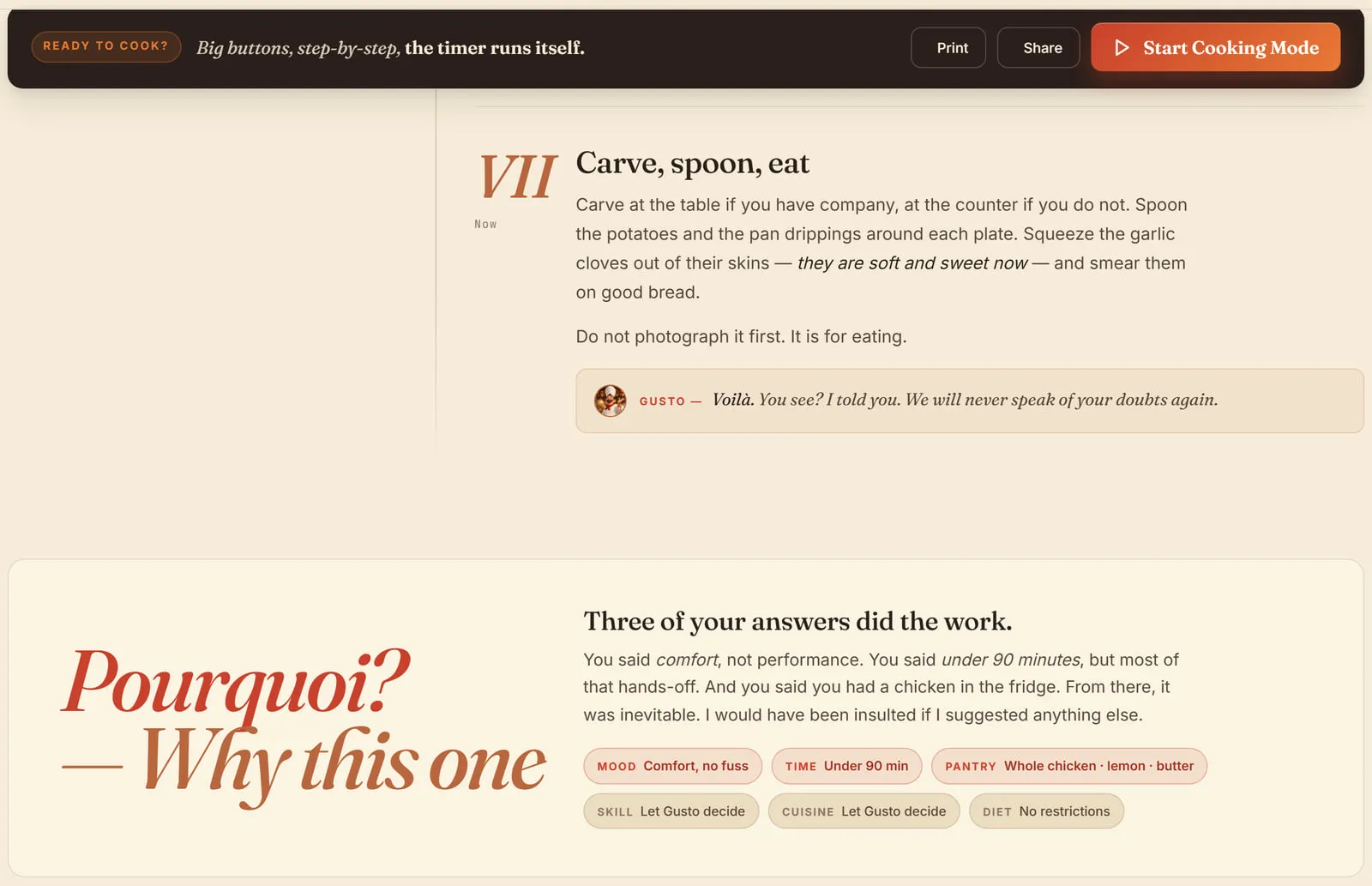
What comes back is one recipe, presented as a verdict rather than a result. Timings at the top: total, hands-on, how many it serves, how many pans it dirties. An ingredient list with a serves counter you can push up or down. The method in numbered steps, written the way I write here — with the reasoning attached, so you know why the chicken has to be dry rather than simply being told to dry it. And beneath each step, if you want it, a way to ask me about that step specifically.
I. How you actually cook along
From the doorway of the kitchen to the plate
- Tell it what is in the kitchen: Or do not. The pantry box is where the technique in this edition pays off — half a lemon and a lonely shallot is a real brief, and it will be treated as one.
- Take the verdict, or refuse it: One dish comes back, with a "surprise me again" beside it. Refuse as often as you like. I will grumble. I will recover.
- Read why you got it: The pourquoi panel names the answers that drove the choice. Useful, because it teaches you which of your constraints is doing the real work on a weeknight.
- Send the list to the shop: The ingredients go to a grocery list in one press. The gap between choosing dinner and being able to buy it is where most good intentions die.
- Then start Cooking Mode: Big type, one step at a time, timers that run themselves. This is the part that matters at the hob, where your hands are wet and the phone is propped against a jar.
- Keep it, or put it on the week: Save it to a cookbook, or drop it onto a night. A dish that worked once should not have to be re-found.
The short version
- Go to whatscooking.guide and press the button. No account, no fields required, nothing to set up.
- Take the one dish it gives you. That is the entire product. Refusing it is allowed; browsing a list is not on offer.
- Use Cooking Mode at the hob. Big buttons and a running timer beat a recipe page you keep having to wake up with a floury knuckle.
- Come back here for the why. The companion decides dinner. This edition is where I explain myself.
If you would rather read the reasoning before you cook, begin at the Food edition's front page. Two columns pair naturally with a dinner the companion has chosen for you: the one-pan weeknight formula, which explains the timing behind tray dinners, and the skillet-roast chicken, where the dry-skin rule mentioned above is worked through step by step.
Written by Gusto · a companion note, not a review · no affiliate link appears anywhere on this page, because there is nothing here to sell you.