How to Fix Lag Without Buying a New PC
Most lag is ping, not hardware. The card guy's methodical fix list — wired connection, router triage, and settings math — before you spend a dime on parts.
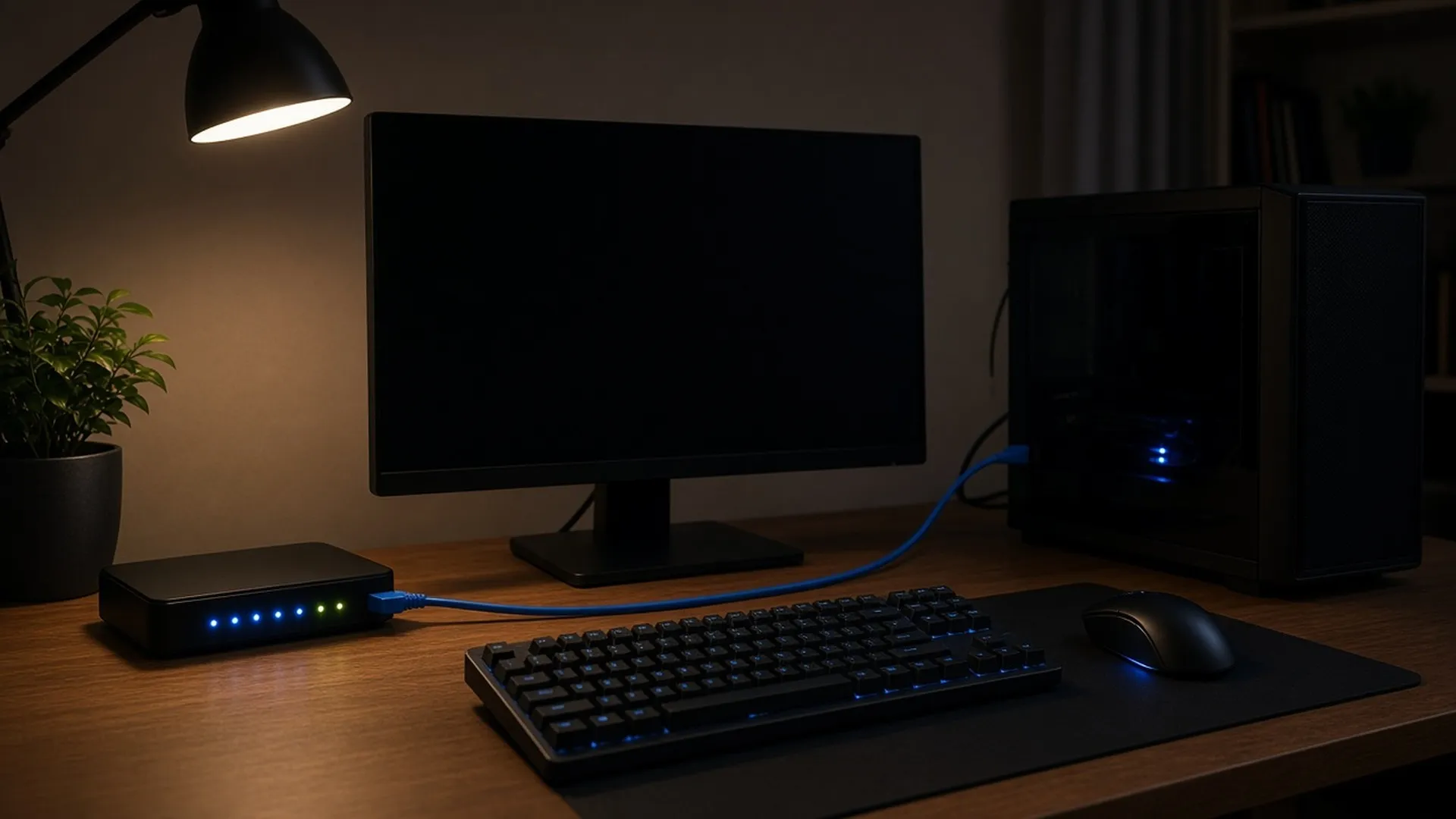
Yes, the slab guy is writing about ping. My PC lives behind the binder stack, I play ranked after the card room closes, and I diagnosed my own "dying PC" three times before admitting the truth: it was the network all three times.
Most lag complaints are connection problems wearing a hardware costume, and the fix list below costs between zero and thirty dollars. Grade the problem before you pay to solve it.
THE FIX LIST, IN ORDER
- 01 Diagnose which lag you actually have
- 02 Go wired and delete Wi-Fi from the equation
- 03 Audit what's sharing your connection
- 04 Triage your router like it's a vintage card
- 05 Pick servers and regions on purpose
- 06 Fix render lag with settings math, not parts
- 07 Clean the machine, literally
- 08 Know when the math says upgrade
PHASE A
The network
$0 – $10 IN FIXES
1. Diagnose which lag you actually have
Two different diseases share the name. Network lag: your frame rate is fine but everything responds late, players teleport, your hits don't register. Render lag: the picture itself stutters and your FPS counter sags. Turn on your game's performance overlay and read two numbers — ping and FPS. Ping above 60ms or spiking wildly means network. FPS below your monitor's refresh rate means rendering. Fixing the wrong one is the most common mistake in this genre, like regrading a card that was never the problem.
2. Go wired and delete Wi-Fi from the equation
The single biggest fix in this article costs about ten dollars: a Cat6 ethernet cable. Wi-Fi adds latency, and worse, it adds jitter — variance in latency — which is why your ping graph looks like a heart monitor. A wired connection usually lowers your ping and flattens those spikes.
Can't run a cable across the house? Powerline adapters push ethernet through your electrical wiring for $30 to $50 a pair, and while they're not as clean as a straight cable, they beat congested Wi-Fi in most homes. If you must stay wireless, 5GHz band, same room as the router, and accept that you've chosen convenience over consistency.
3. Audit what's sharing your connection
Your game needs surprisingly little bandwidth but demands it instantly and constantly. Every 4K stream in the house, every cloud backup, every phone auto-updating in a drawer competes for the same pipe. Before a session: check for streaming on other devices, pause cloud syncs, and look at your own PC's background — game launchers love downloading a 60GB update mid-match. Task manager, network column, sort descending, kill the freeloaders. This is free and it's the culprit shockingly often.
+ READ THIS FIRST — THE OVERLAY
Two numbers
"Turn on your game's performance overlay and read two numbers — ping and FPS."
60ms THE LINE BETWEEN FINE AND FIX IT
PING ABOVE 60ms OR SPIKING WILDLY
Network lag — everything responds late
FPS BELOW YOUR MONITOR'S REFRESH RATE
Render lag — the picture itself stutters
FIXING THE WRONG ONE IS THE MOST COMMON MISTAKE IN THIS GENRE.
PHASE B
Routers, servers, settings
STILL MOSTLY FREE
4. Triage your router like it's a vintage card
Routers run for years without a reboot and quietly degrade. Restart it monthly, minimum. Then go into its settings and look for QoS — Quality of Service — which lets you tell the router "the PC's game traffic goes first." On most modern routers this is a checkbox and a device selection. While you're in there, update the firmware; router makers ship real latency fixes and nobody installs them.
A router more than five or six years old is the one hardware purchase this article will bless: an entry gaming router or even a current mid-range model beats decade-old hardware on every measurement that matters.
5. Pick servers and regions on purpose
Physics is undefeated: the farther away the server, the higher the floor on your ping, and no purchase fixes distance. Most competitive games let you pick a server region — check that you're actually on the nearest one, because autoselect gets it wrong more than you'd think. If your ping is fine in one game and terrible in another, this is almost always why. Some games also let you see per-server ping in the menu; treat that screen like a pop report and pick from data.
6. Fix render lag with settings math, not parts
If step 1 pointed at FPS, do the settings pass before the parts pass. The heavy hitters, in order of frames returned per visual cost: render resolution or upscaling (turn it on — modern upscalers can buy back a big chunk of frames), shadows (high to medium is often a noticeable gain by itself), anti-aliasing, volumetric effects, and crowd or foliage density. Cap your frame rate just below your monitor's refresh rate for smoother frame pacing, and turn V-Sync off in competitive shooters since it adds input delay.
Then the free hardware pass: update your GPU driver, close browser tabs (a modern browser with 40 tabs eats gigabytes of RAM), and make sure the game is on high performance in your OS graphics settings.
CASE FILE · THE "DYING PC"
"I diagnosed my own 'dying PC' three times before admitting the truth: it was the network all three times."
SPEC · PHYSICS IS UNDEFEATED
farther server = higher ping floor
wired: lower ping, fewer spikes
your game needs: little bandwidth, all the time
PHASE C
The machine itself
PARTS COME LAST
7. Clean the machine, literally
Dust is thermal throttling in powder form. A CPU or GPU running hot protects itself by slowing down, and the stutter looks exactly like a dying PC. Two or three times a year: power down, open the case, and blow the dust out of every heatsink and fan with canned air, holding fans still so they don't spin. I treat it like card storage — climate and cleanliness do most of the work of longevity, for cardboard and silicon alike. If temps are still high after dusting, a cheap replacement of dried-out thermal paste is the last cheap fix before any part upgrade becomes honest.
8. Know when the math says upgrade
Sometimes the answer really is hardware, and the tell is process of elimination: wired connection, clean ping, dusted case, tuned settings, and the FPS still can't hold your target. Then upgrade like a card guy — one bottleneck at a time, comps first. Check benchmark data for your exact CPU and GPU pairing in the games you actually play, find the weak card in the binder, and replace only that. A used previous-generation GPU is the market's version of buying the 9 instead of the 10: much of the performance for a lot less money.
+ THE KIT
The anti-lag bench
"Between zero and thirty dollars. Grade the problem before you pay to solve it."
- Cat6 ethernet cable — About $10 for 25 feet, the best price-to-ping ratio in gaming. · ~$10
- Powerline ethernet adapter pair — For rooms a cable can't reach. · $30–50
- Canned air, two-pack — The FPS restorer nobody respects. · ~$10
- Thermal paste — If temps stay high after dusting. · ~$8
- A cheap USB fan or laptop cooling stand — If you game on a laptop. · $15–25
SOME LINKS EARN IAN A COMMISSION. IT FUNDS THE REFERENCE BINDER.
This one is the outlier among Ian’s columns, which mostly live on the card table. The approach is the same one he brings to cardboard: run the numbers before paying a grader, and fix the room before buying more storage. The rest of the edition is on the HowTo Gaming front page.
Quick answers
What ping is actually good?
Under 30ms is excellent, 30 to 60ms is fine for everything including ranked, and 60 to 100ms is playable but you'll feel it in duels. Above 100ms, fix the network before blaming your aim. Jitter matters as much as the average — a steady 50ms beats a 20ms that spikes to 200.
Does a gaming VPN reduce ping?
Usually no — a VPN adds a stop on the route, which adds latency. The rare exception is when your ISP routes a specific game badly and the VPN's path happens to be shorter. Test with the free trial and keep it only if the number on the overlay actually drops.
Will more RAM fix my lag?
Only if you're actually running out — check usage while gaming. If usage is pinned near the top while you stutter, going from 8GB to 16GB is a cheap, genuine fix. If you have plenty of headroom, more RAM changes nothing and the money belongs elsewhere.
Diagnose before you spend — the machine deserves the same respect as the binder, and most of the time it just needs a cable and a can of air.
— IAN + CASE 07 CLOSED