How to Determine If You Need a Cellular Apple Watch
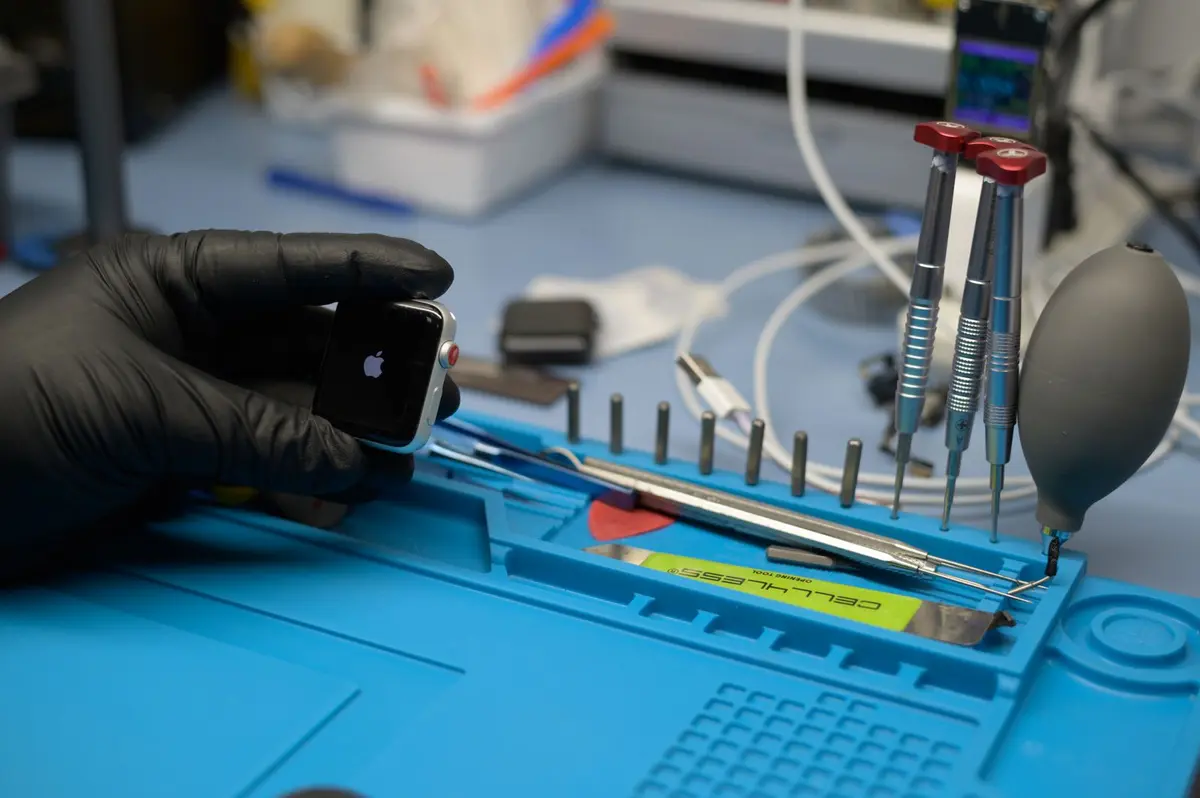
- Difficulty
- Beginner
- Tested on
- watchOS 11 - Apple Watch Series 10
- You will need
- Active smartphone, carrier billing portal access
Step by step
Review your phone-free duration
Track how often you leave your iPhone at home or in a vehicle. If you are separated from your device for less than 30 minutes daily, your watch likely connects to your iPhone via Bluetooth or Wi-Fi for all necessary tasks.
Note: GPS-only models automatically sync calls and messages when in range of your iPhone.Evaluate outdoor fitness requirements
Identify if you stream music, podcasts, or require real-time route tracking while running or cycling without your phone. Cellular functionality allows you to stream content directly to Bluetooth headphones without requiring pre-downloaded media.
Consider safety and connectivity needs
Determine if you require emergency contact capabilities or incoming notifications while engaging in activities like swimming, surfing, or trail running where carrying a phone is impractical. Cellular models provide independent connectivity for SOS calls regardless of your phone's proximity.
Calculate total cost of ownership
Navigate to your carrier's website to check the monthly add-on fee for a smartwatch plan. Factor in the higher upfront purchase price of a cellular model compared to the GPS-only equivalent to ensure the utility justifies the cost.
Note: Most carriers charge between $10 and $15 per month for watch service.Choose the model configuration
Purchase the GPS-only model if your watch is rarely more than 30 feet from your iPhone. Select the Cellular model if you prioritize true independence, frequent outdoor workouts without a device, or require constant connectivity for business communications.
Note: You can use a cellular-capable watch without an active data plan; it will function exactly like a GPS-only model.