How to Build an AI Assistant for Your Business
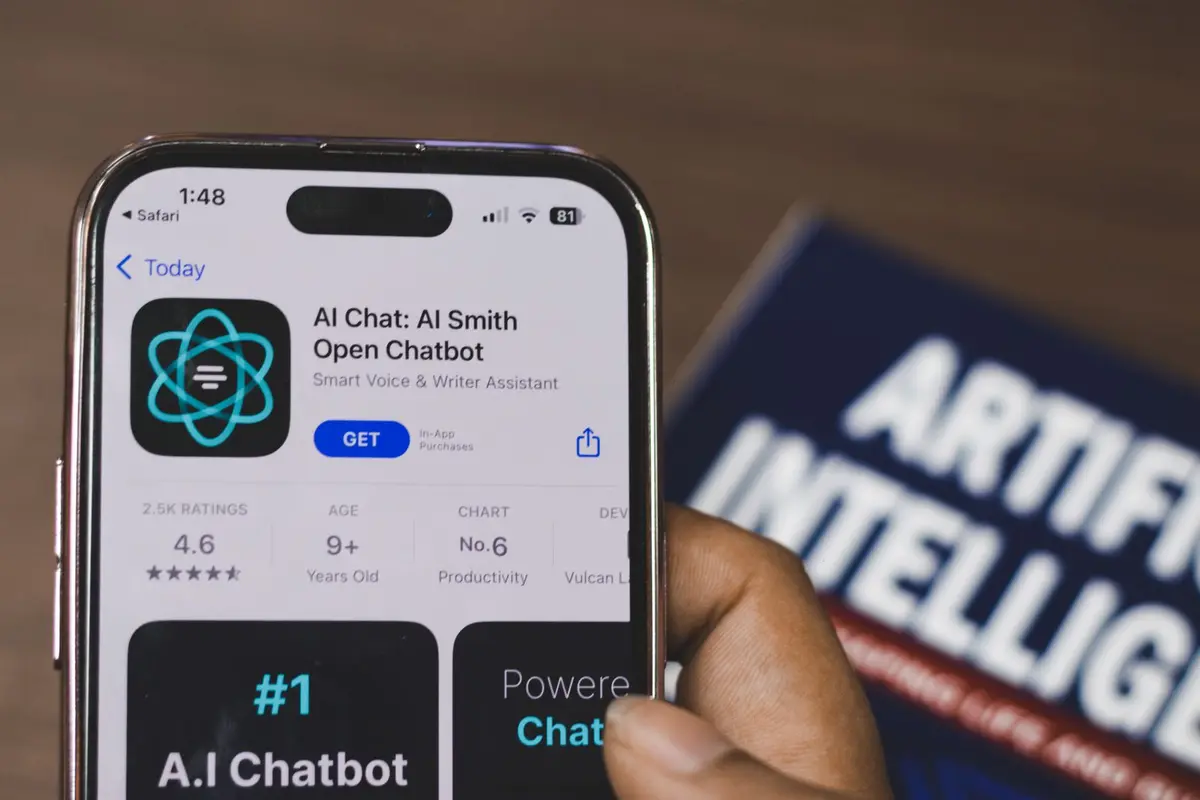
Building an AI assistant for your business automates customer support, lead qualification, and routine tasks while reducing operational costs. This process involves selecting the right platform, training your AI model, and integrating it with your existing business systems.
- Difficulty
- Intermediate
- Time
- 2-4 hours
Step by step
Define your AI assistant's purpose and scope
Identify specific tasks your AI assistant will handle: customer support inquiries, appointment scheduling, lead qualification, or product recommendations. Document common questions your team receives and categorize them by complexity. Create a list of 20-30 frequently asked questions your AI should answer immediately.
Note: Start with one specific use case rather than trying to automate everything. Customer support chatbots have the highest success rate for first-time implementations.Choose your AI platform and tools
Select a no-code AI platform like Chatfuel, ManyChat, or Voiceflow for basic implementations, or use OpenAI API with platforms like Zapier or Make.com for advanced customization. For enterprise solutions, consider Microsoft Bot Framework or Google Dialogflow. Evaluate pricing based on monthly conversations and integrations needed.
Note: Many businesses start with an OpenAI API integration through Zapier.Collect and organize your training data
Gather your existing customer service emails, chat logs, FAQ documents, and product information. Clean this data by removing personal information and organizing it into question-answer pairs. Create a knowledge base document with your company policies, product details, and standard responses formatted in clear, conversational language.
Note: Export data from your CRM, help desk software, or email system. Most platforms allow CSV exports that can be directly imported into AI training tools.Build and train your AI model
Upload your training data to your chosen platform and configure the AI's personality and tone to match your brand voice. Set up conversation flows for common scenarios and define fallback responses when the AI cannot answer. Train the model using your Q&A pairs and test responses for accuracy and helpfulness.
Note: Use your brand's existing style guide to maintain consistency. If your company uses formal language in communications, configure the AI to match that tone.Integrate with your business systems
Connect your AI assistant to your CRM, appointment scheduling software, email marketing platform, and website chat widget. Set up webhooks or API connections to sync customer data and conversation history. Configure the AI to create tickets in your help desk system for complex issues it cannot resolve.
Note: Use Zapier or Make.com to connect your AI to over 3,000 business applications without coding. Most integrations take 10-15 minutes to set up.Deploy and monitor performance
Install the AI assistant on your website, social media pages, or messaging platforms where customers typically contact you. Set up analytics to track conversation completion rates, customer satisfaction scores, and escalation rates to human agents. Monitor daily for the first week to identify common issues or gaps in knowledge.
Note: Start with a soft launch to 25% of website traffic or specific customer segments. This allows you to refine responses before full deployment.Optimize and scale your AI assistant
Review conversation logs weekly to identify new questions or problems your AI cannot handle. Update your training data with new information and retrain the model monthly. Add new integrations based on user behavior and expand to additional communication channels once performance metrics meet your targets.
Note: Track your AI's resolution rate.
More on AI automation: AI automation, automation safety and every AI tools guide.