How to Build an Essential Laptop Accessory Kit
- Difficulty
- Beginner
- Tested on
- macOS Sequoia / Windows 11 - Universal Hardware
- You will need
- New laptop, budget allocation for peripherals, specific device port list
Step by step
Audit your physical port requirements
Identify the number and type of ports available on your chassis. If your laptop features only USB-C or Thunderbolt ports, a high-quality multi-port hub is mandatory for legacy hardware connectivity, such as HDMI for external displays or USB-A for peripheral input.
Note: Choose a hub with pass-through charging to consolidate cables.Select impact-resistant storage
Purchase a dedicated laptop sleeve or hardshell case lined with impact-absorbing foam or felt. Ensure the fit is specific to your chassis dimensions to prevent internal shifting during transit. Avoid generic sizes that lack structural integrity.
Note: Look for YKK zippers or water-resistant exterior fabric.Acquire external backup media
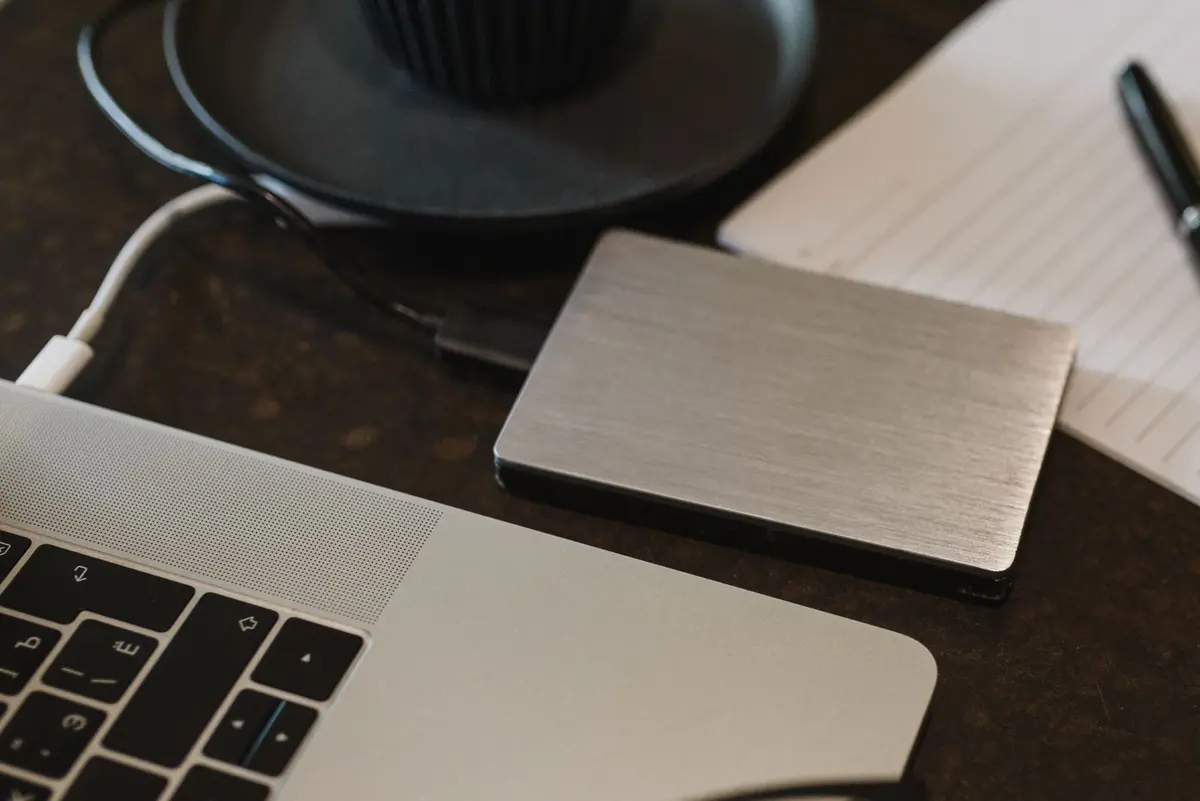
Purchase a portable NVMe SSD with at least double the capacity of your laptop's internal drive. Use this solely for system backups and cold storage of large project files. This minimizes wear on internal storage and provides a failsafe against hardware failure.
Note: USB 3.2 Gen 2 or higher speeds are required for efficient data transfer.Select ergonomic input devices
Incorporate a wireless mouse or a compact mechanical keyboard to maintain ergonomic health during long work sessions. Choose devices that support multi-device pairing to allow seamless transitions between your laptop and tablet or mobile devices.
Note: Optical sensors perform more consistently on varied surfaces than laser sensors.Standardize your power delivery
Replace or augment your bulky OEM power brick with a Gallium Nitride (GaN) charger. Ensure the wattage output meets or exceeds your laptop's requirement as stated on the original power adapter. A 100W GaN charger provides sufficient overhead for most modern machines.
Note: Use cables marked for 100W or 240W delivery to ensure safety.Maintain the display and chassis
Maintain a microfibre cloth and a non-abrasive cleaning solution specifically rated for laptop displays. Never use glass cleaners or household sprays, as these can strip anti-reflective coatings from the screen. Keep this kit in your bag at all times.
Note: Always apply the solution to the cloth, never directly to the screen.