Choosing a Smart Home Ecosystem: Alexa vs. Google Home vs. Apple Home
- Difficulty
- Beginner
- Tested on
- iOS 18.4, Android 15, Fire OS 9
- You will need
- Smartphone, list of existing smart devices, home router credentials
Step by step
Audit your existing device compatibility
List every smart device you currently own, specifically looking for logos indicating Works with Alexa, Works with Google Home, or Works with Apple Home. Note that Apple Home generally requires devices to be HomeKit-compatible or Matter-certified, which is a stricter requirement than the other two platforms.
Note: Look for the Matter logo on new hardware, as it ensures interoperability across all three platforms.Analyze ecosystem privacy requirements
Assess your comfort level with data collection. Apple Home processes most requests locally on your home hub and offers the highest level of privacy. Google Home and Alexa leverage cloud-based processing to provide more advanced AI features, which requires consistent data transmission to their respective servers.
Prioritize your primary mobile platform
Choose Apple Home if you are exclusively within the Apple ecosystem, as Home app integration is native and seamless on iOS, iPadOS, and macOS. Select Google Home if your household relies on Android devices and Gmail services. Choose Alexa if you require maximum device compatibility and a platform-agnostic setup.
Review hardware and speaker variety
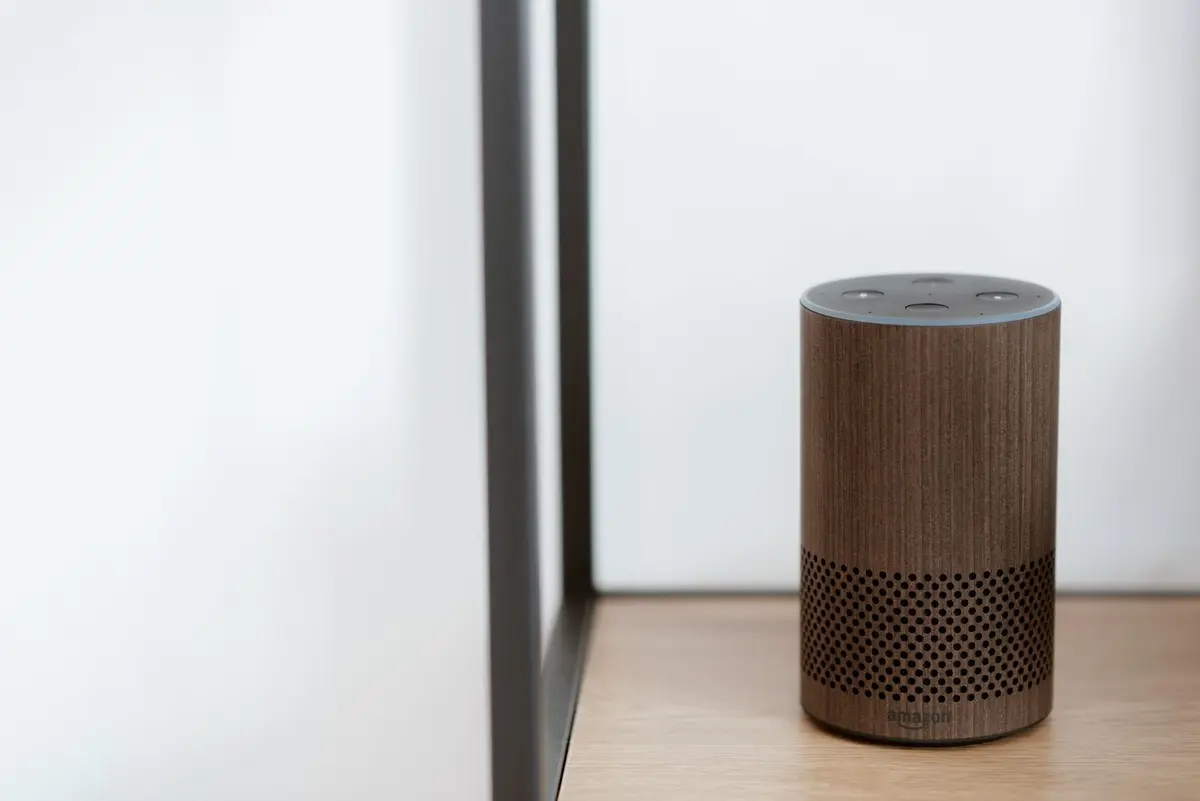
Examine the hardware ecosystem of each platform. Alexa offers the widest array of third-party integration and affordable proprietary hardware like Echo Dots. Google Home excels in contextual information and integration with the Google Assistant search engine. Apple Home offers the highest build quality for speakers, such as the HomePod, but carries a premium price point.
Define your automation complexity
Identify if you need simple voice commands or advanced automation logic. Apple Home uses the Home app for visual automation building, which is intuitive but limited in complexity. Alexa and Google Home allow for more granular, if-this-then-that style scripting, which is beneficial for complex smart home routines.
Finalize your selection
Commit to one primary platform to serve as your central controller. While you can use multiple systems simultaneously, it results in fragmented control and redundant device management. Select the platform that aligns with your privacy thresholds and your most-used mobile hardware.
Note: Stick to Matter-enabled devices to keep your options flexible should you change your mind in the future.