Choosing a Printer for Infrequent Use
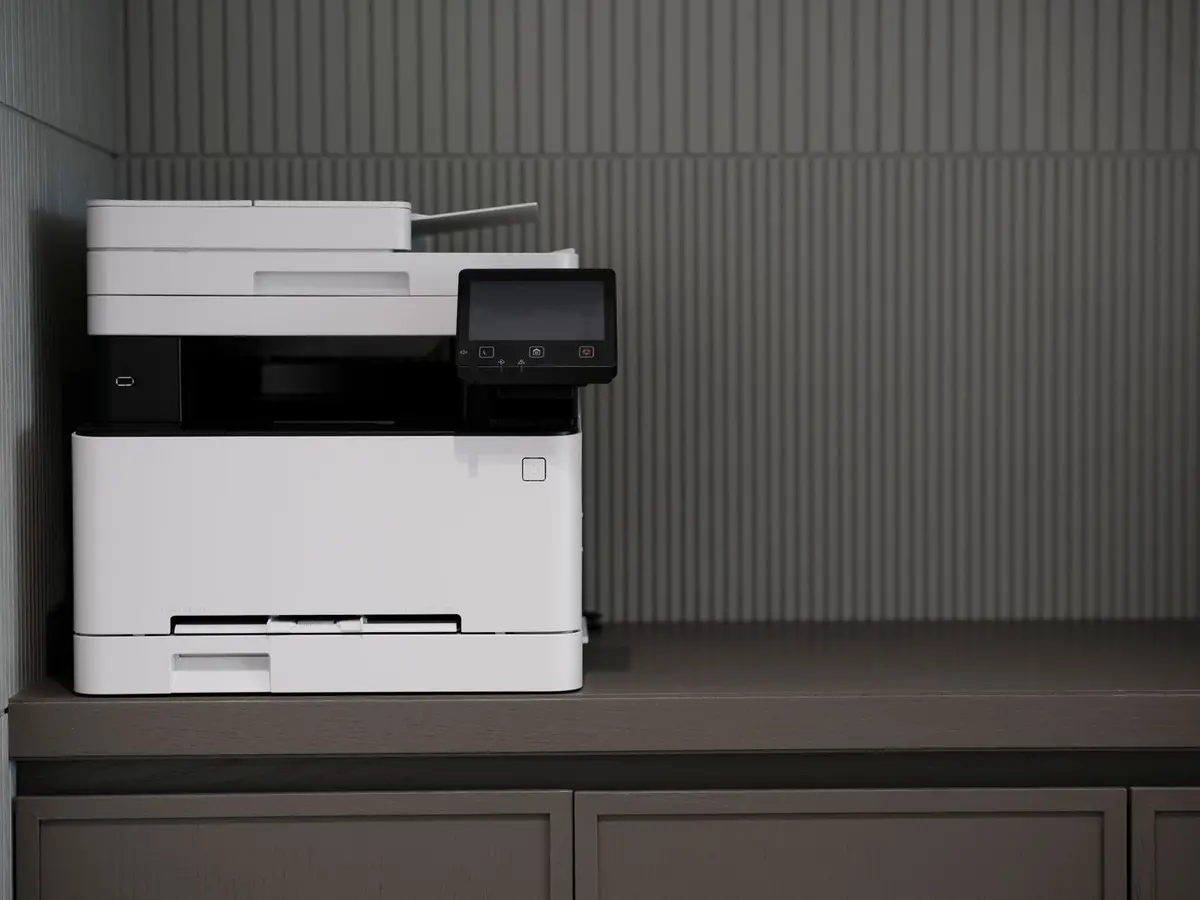
- Difficulty
- Beginner
- Tested on
- macOS 15.1, Windows 11 24H2
- You will need
- Budget for upfront hardware costs, space for unit footprint
Step by step
Prioritize laser technology over inkjet
Inkjet printers rely on liquid ink that dries inside nozzles when left unused for weeks. Laser printers use dry toner powder, which remains stable indefinitely and does not clog print heads during long periods of inactivity.
Note: Choose monochrome laser units if you rarely require color documents.Check for individual toner cartridges
Select models that use separate toner cartridges for each color. This ensures you only replace the specific color that is empty, rather than disposing of an entire multi-color unit that may have partially solidified or expired.
Confirm support for wired and wireless connectivity
Ensure the device supports AirPrint or Mopria Print Service to avoid proprietary driver issues that often plague inactive printers. Direct network connectivity via Ethernet is more reliable than Wi-Fi for devices that are powered down for extended durations.
Note: Avoid USB-only printers if you intend to print from mobile devices.Verify the presence of a sealed paper tray
Paper left in an open-access feed tray will absorb humidity and become brittle or prone to jamming over time. Choose a printer with an enclosed, internal paper cassette to keep paper clean and dry between uses.
Review the cost of consumables
Check the price of third-party or OEM toner before purchasing the hardware. Infrequent users should avoid printers with integrated print heads in the cartridge, as these drive up replacement costs significantly per page.
Note: Search for the printer model plus 'cost per page' to compare models.Establish a monthly wake-up cycle
Even with a laser printer, power the device on for ten minutes once a month to allow the internal firmware to run a diagnostic cycle. This prevents mechanical components like rollers from seizing due to lack of movement.
Note: Setting a recurring calendar reminder ensures this maintenance is not forgotten.