Determining Your Optimal Computer RAM Capacity
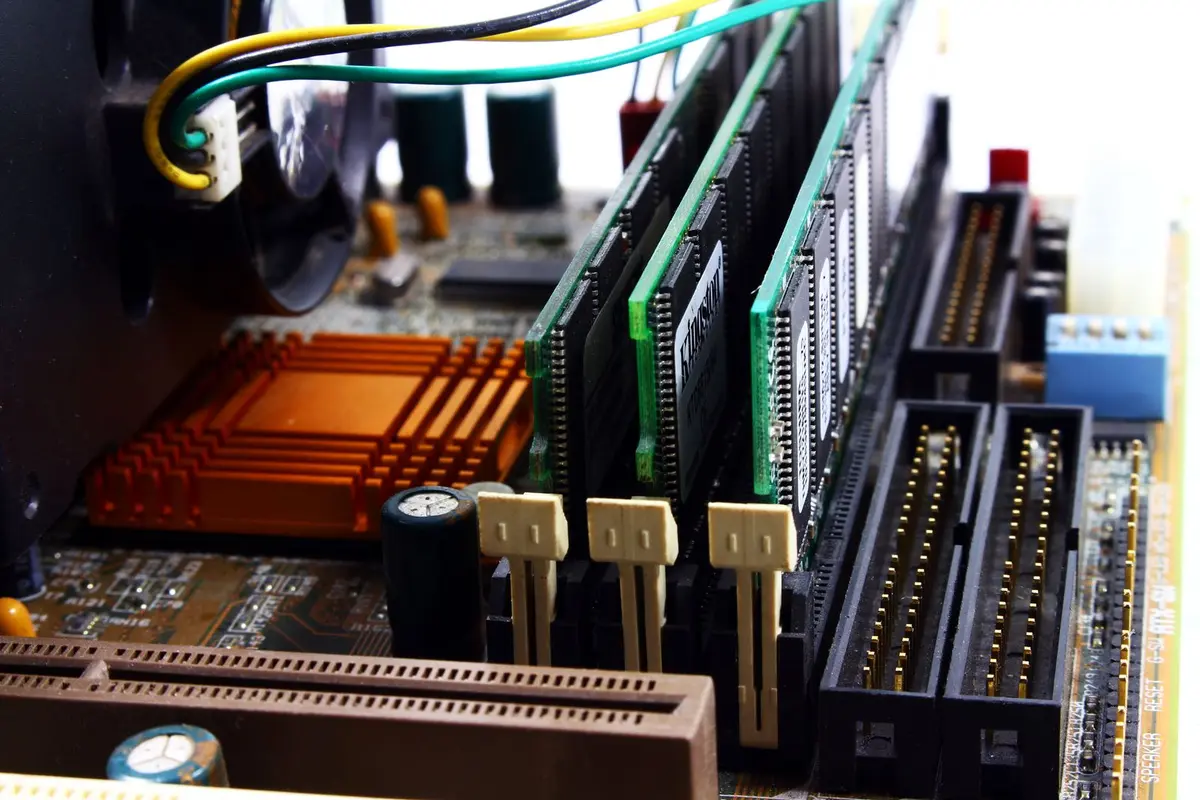
- Difficulty
- Beginner
- Tested on
- macOS 15.0, Windows 11 24H2
- You will need
- Access to Activity Monitor or Task Manager
Step by step
Evaluate current memory utilization
Open Activity Monitor on macOS or Task Manager (Ctrl+Shift+Esc) on Windows. Navigate to the Memory tab to observe your baseline usage with your typical suite of applications running. If your memory pressure is consistently high or swapping to the disk, you are currently hardware-constrained.
Note: Look specifically at 'Memory Pressure' on macOS or 'Committed' memory on Windows for the most accurate reading.Identify the 8GB baseline for light tasks
For light productivity consisting primarily of web browsing, word processing, and email, 8GB of RAM is the absolute minimum requirement. This capacity is sufficient for basic multitasking but will struggle with modern browser tab management and simultaneous background processes.
Select 16GB for modern mainstream workflows
16GB serves as the current industry standard for smooth multitasking, coding, and heavy web usage. This capacity ensures that your operating system remains responsive even with dozens of browser tabs and productivity applications open simultaneously.
Note: Most users will see the highest return on investment at this capacity.Upgrade to 32GB for creative production
Choose 32GB if your workflow includes high-resolution photo editing, video editing in 4K, or 3D rendering. This amount of RAM provides enough overhead for large creative files to load entirely into memory, significantly reducing render times and interface lag.
Allocate 64GB or more for professional workstations
Reserve 64GB or higher for virtual machine hosting, complex data science modeling, or professional-grade 8K video production. These tasks require significant memory address space to prevent system-wide instability during intense computational bursts.
Check upgradeability before purchase
Verify if your system utilizes soldered memory or swappable DIMM/SO-DIMM modules. If the memory is soldered, you must configure the maximum capacity you anticipate needing during the life of the machine, as post-purchase upgrades will be impossible.
Note: Search your specific model on a vendor support site to confirm memory architecture.