How to Set Up Hotel Room Charging for All Your Devices
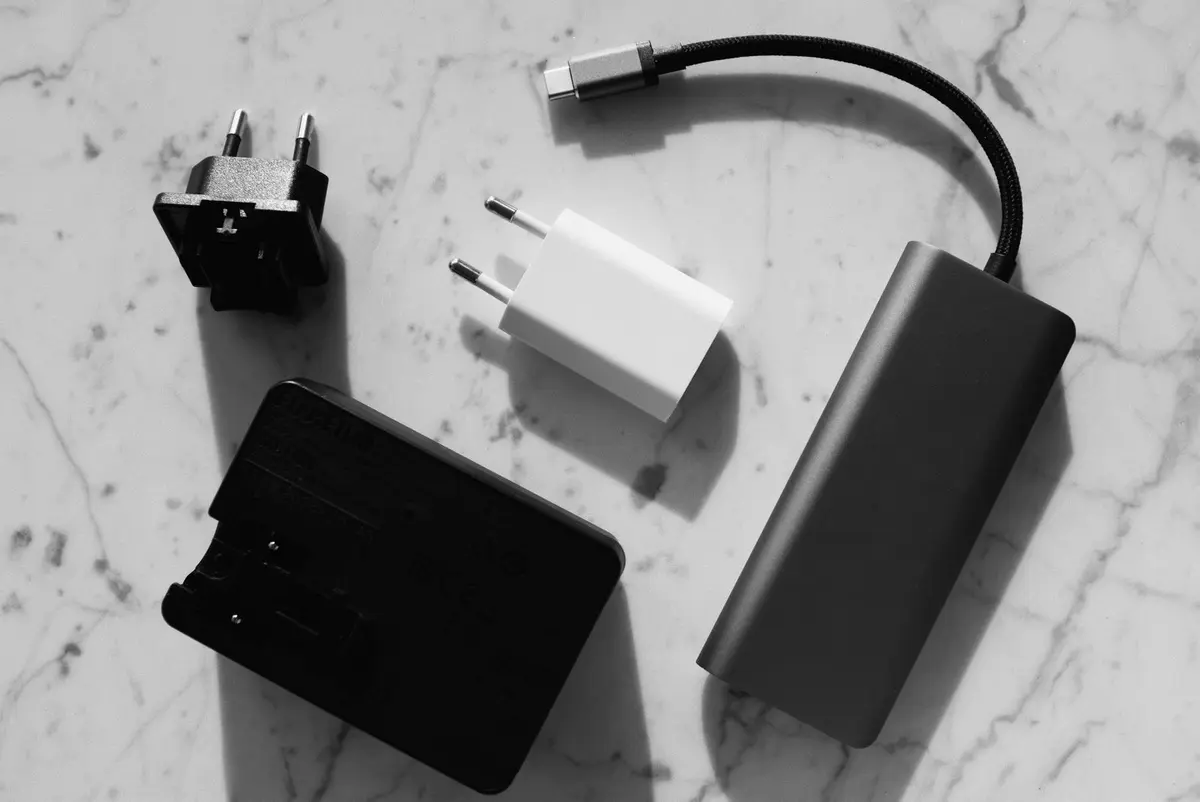
Pack a multi-port USB charger, universal adapter, and short extension cord. Most hotels have limited outlets in inconvenient spots, so bring gear that lets you charge 4-6 devices from one wall outlet near your bed or workspace.
- Budget
- $50-80 for complete kit
- Duration
- Setup takes 5 minutes
- Best Time
- Set up immediately after hotel check-in
- Visa Required
- No restrictions on personal chargers
Step by step
Pack the right charging hub
Bring a 4-6 port USB charger with at least 60W total output. Look for one with USB-C PD for laptops plus regular USB-A ports. Anker and RAVPower make reliable options under $40.
Add a universal travel adapter
Get an adapter that works in your destination country. Skip the bulky universal ones - buy a simple country-specific adapter for $5-10. Check your destination's plug type before you leave.
Pack a short extension cord
Bring a 3-foot extension cord with multiple outlets. Hotel outlets are often behind beds or in bathroom corners. This lets you create a charging station wherever you want it.
Organize your cables
Pack one cable per device in a small pouch. Bring extras for your phone and laptop - hotel rooms eat cables. Label longer cables if you have multiple similar devices.
Set up your charging station first thing
When you check in, find the best outlet and set up everything before you unpack. Usually bedside tables or desk areas work best. Avoid bathroom outlets unless your gear is waterproof.
Test everything immediately
Plug in one device to make sure your adapter works with the hotel's outlets. Some older hotels have loose outlets or different voltages that can fry equipment.
Questions people ask
Do I need a voltage converter or just an adapter?
Just an adapter for modern devices. Phones, laptops, and cameras handle 100-240V automatically. Check your device label - if it says 100-240V, you only need a plug adapter.
What if the hotel has USB outlets built in?
Still bring your own charger. Hotel USB ports are often slow (0.5-1A) and unreliable. Your multi-port charger will be faster and charge multiple devices simultaneously.
Can I charge a laptop through USB-C on these setups?
Yes, if your charger supports USB-C PD (Power Delivery) with 45W+ output. Most modern laptops can charge this way, though they may charge slower than with their original adapter.
What about countries with different frequencies (50Hz vs 60Hz)?
Doesn't matter for chargers and adapters. The frequency difference only affects motors and clocks, not charging equipment.
Budget
Expect to spend $50-80 total on a good charging setup: $30-40 for a multi-port charger, $5-15 for country adapter, $10-20 for extension cord, $5-10 for cable organizer.
Packing
- Multi-port USB charger with USB-C PD capability
- Country-specific travel adapter (not universal)
- 3-foot extension cord with surge protection
- Cable organizer pouch or roll
- One extra phone cable
Before packing the cables, check which plug shape your destination uses in plug adapters by region, round out the rest of your gear with the travel electronics guides, and if your charger has to fit under the seat, see how it fits into the personal-item-only packing list.