How to Resolve Unresponsive Smart Home Voice Commands
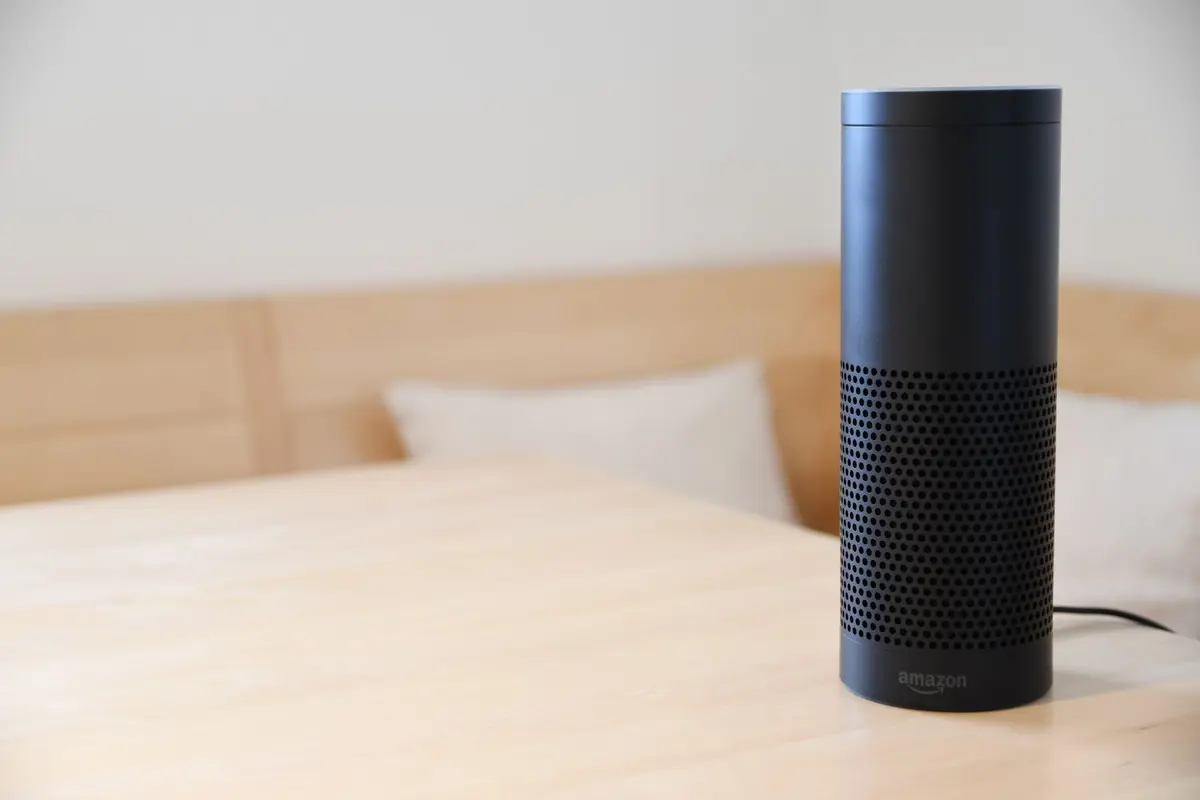
- Difficulty
- Intermediate
- Tested on
- iOS 18.4 - iPhone 15 Pro, HomePod (2nd Gen)
- You will need
- Active internet connection, administrator access to the smart home app, physical access to the smart speaker
Step by step
Verify network connectivity and frequency
Ensure your smart hub and voice assistant are connected to the same 2.4GHz Wi-Fi band. If your network uses a mesh system, confirm the device is not hopping between access points, as this causes authentication timeouts.
Note: Smart home devices often struggle with 5GHz frequency stability.Re-authenticate the smart home cloud account
Open the home automation app, navigate to Settings, and select the specific device. Locate the account link status; toggle it off, wait 30 seconds, and reconnect by re-entering your credentials to refresh the authorization token.
Note: Session tokens expire periodically, causing 'Device not responding' errors.Perform a power cycle of the smart hub
Disconnect the power cable from your smart bridge or speaker. Wait 60 seconds to clear the cache, then reconnect the power. Allow three minutes for the hardware to stabilize and rejoin the local network.
Note: A cold boot clears stuck background processes that interrupt signal processing.Check for firmware and application updates
Open the device manufacturer's app to check for pending firmware updates for your bridge or switches. If using a centralized ecosystem, ensure the controller application is updated to the latest version via the App Store.
Note: Incompatible firmware versions frequently cause handshake failures.Sync voice recognition profiles
In the voice assistant settings, navigate to Voice Match or Personalization. Ensure your voice profile is correctly recognized; if errors persist, recalibrate your profile by reciting the provided sample phrases to improve recognition accuracy.
Note: Background noise interference can degrade voice processing accuracy.Test device response with explicit commands
Issue a direct command, such as 'Turn on the living room light,' rather than a scene-based command. If the device responds, the logic issue resides in your automation scene settings rather than the device connectivity itself.
Note: Always isolate variables by testing the simplest command possible first.