How to Choose a Streaming Device for an Older TV
- Difficulty
- Beginner
- Tested on
- Legacy LED/LCD HDTV (1080p)
- You will need
- Legacy television, HDMI cable, RCA/Composite to HDMI converter if necessary, high-speed Wi-Fi connection
Step by step
Inspect your television input ports
Check the back or side panels of your TV for an open HDMI port. If your TV lacks HDMI and uses only Red, White, and Yellow RCA jacks, you must purchase a Composite-to-HDMI active converter box to connect modern streaming hardware.
Note: Ensure the converter box is powered via USB, as passive cables will not function.Identify your TV's maximum resolution
Determine if your screen is 720p or 1080p. While 4K streaming sticks are backward compatible, they are unnecessary expenses for legacy 1080p hardware; opt for a dedicated 1080p model to save costs and reduce potential processing latency.
Select between stick and box form factors
Choose a streaming stick for a clean, hidden setup behind the TV. Opt for a dedicated streaming box if you require an Ethernet port for a more stable wired internet connection, which often performs better on older TVs with internal Wi-Fi limitations.
Assess the remote control requirements
Review the streaming device remote specifications. Select a model with TV power and volume controls to allow you to consolidate your setup into a single remote, replacing the aging original infrared controller provided with the television.
Note: Look for CEC (Consumer Electronics Control) compatibility to ensure the TV volume is controlled by the streamer remote.Confirm operating system ecosystem
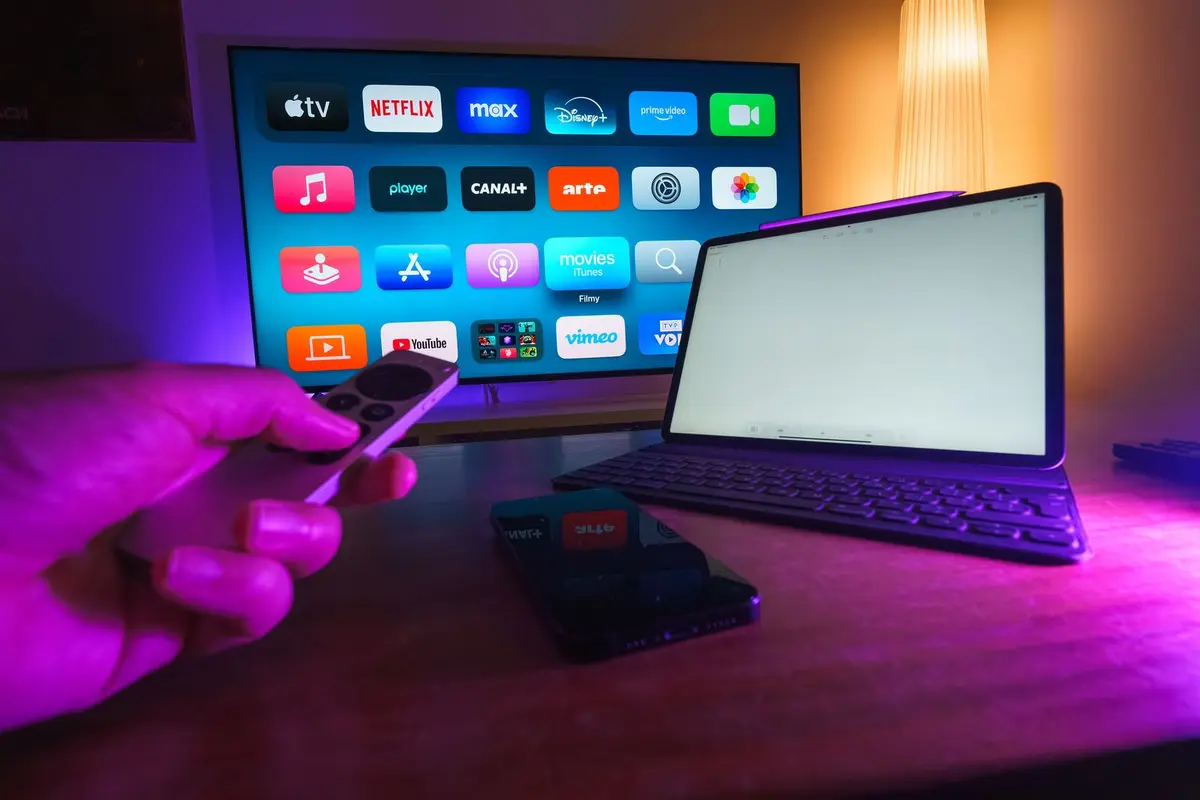
Align the streaming device OS with your existing mobile ecosystem. Users deep in the Apple ecosystem should prioritize Apple TV devices for AirPlay functionality, while Android users should prioritize Google TV-based devices for native casting capabilities.
Check power requirements
Ensure the streaming device includes a dedicated wall power adapter rather than relying solely on the TV's USB port. Older TVs often provide insufficient amperage via USB, which leads to system reboots and playback stuttering during high-demand streaming sessions.
Note: Always prioritize the provided wall brick for consistent performance.