How to Choose the Right Tablet Keyboard
- Difficulty
- Beginner
- Tested on
- iPadOS 18.4, Android 15
- You will need
- Tablet model number, intended use case, desktop surface dimensions
Step by step
Define your connectivity requirement
Decide between a proprietary smart connector keyboard or a universal Bluetooth keyboard. Smart connectors provide physical pins for instant pairing and pass-through power, while Bluetooth keyboards offer universal compatibility across multiple devices.
Note: Smart connectors eliminate the need for manual charging or pairing.Select between folio and detached styles
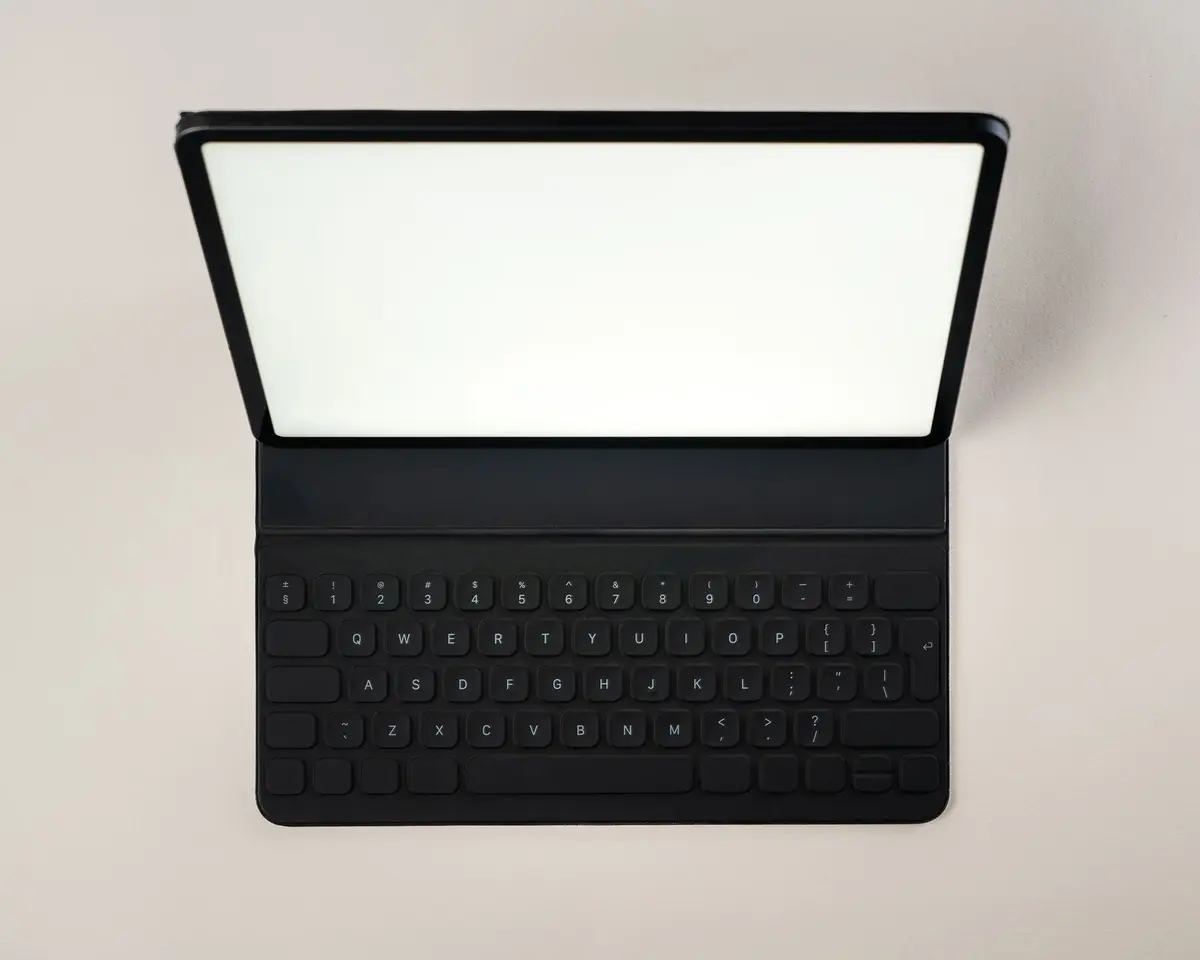
Choose a folio keyboard if you require a protective case and keyboard in one unit. Select a detached, slim-profile keyboard if you prefer to prop your tablet up separately or use it on uneven surfaces like a lap.
Evaluate switch mechanism and key travel
Prioritize scissor-switch mechanisms for tactile feedback and durability. Ensure key travel is at least 1mm, as shallower keys often lack the physical response required for extended typing sessions.
Note: Check product specifications for 'scissor-switch' or 'mechanical' labeling.Confirm layout and shortcut support
Verify the presence of a dedicated function row for volume, brightness, and media control. Ensure the keyboard layout matches your tablet's operating system shortcuts for Command, Option, or Control keys.
Assess trackpad integration
Determine if you need a built-in trackpad for cursor navigation. If you plan to edit documents or use remote desktop software, a trackpad is essential to avoid constant screen reaching.
Note: Ensure the trackpad supports multi-touch gestures like pinch-to-zoom.