How to Read SD Card Speed Classes
- Difficulty
- Beginner
- Tested on
- SD Association Specification 6.0
- You will need
- SD or microSD card, magnifying glass for small symbols
Step by step
Locate the Speed Class (C) symbol
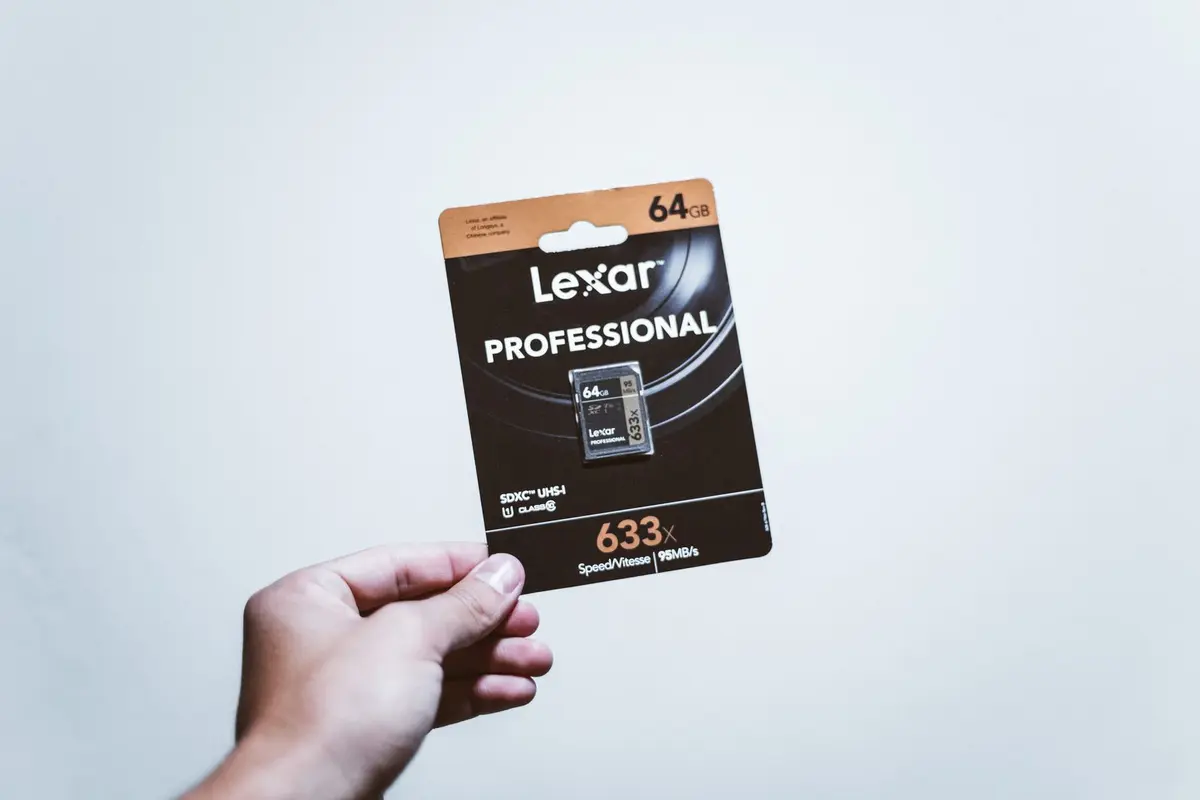
Look for the letter 'C' with a number inside it on the SD card label. This represents the legacy Speed Class, indicating the minimum sustained write speed in MB/s. A 'C10' rating denotes a minimum write speed of 10MB/s, suitable for standard video recording.
Note: Most modern cards exceed these legacy speeds, but checking ensures compatibility with older devices.Check the UHS Speed Class (U) symbol
Identify the letter 'U' containing either a '1' or a '3'. U1 guarantees a minimum write speed of 10MB/s, while U3 guarantees 30MB/s, which is the baseline requirement for 4K video recording at 30fps.
Note: Always choose U3 for high-resolution video workflows to avoid dropped frames.Find the Video Speed Class (V) rating
Locate the 'V' symbol followed by a number, such as V6, V30, or V90. This indicates the card's ability to handle high-bitrate video; V60 and V90 are required for 8K video capture. Match the number directly to the MB/s sustained write speed requirement of your camera.
Note: V-ratings are the most accurate indicator for modern professional cinematography.Identify the UHS Bus Interface
Search for Roman numerals 'I', 'II', or 'III' on the card. This denotes the physical bus speed, where UHS-II and UHS-III cards feature an extra row of pins on the back. Ensure your device hardware supports these physical pins, or the card will revert to standard UHS-I speeds.
Note: UHS-II cards are significantly faster for transferring large batches of RAW image files.Confirm the Application Performance Class (A)
Look for the 'A' symbol followed by '1' or '2'. This indicates the card is optimized for mobile applications and random read/write operations. A2-rated cards provide better performance for running apps directly from microSD cards in smartphones or handheld consoles.
Note: A1 is sufficient for general storage, but A2 is recommended for modern gaming devices.