How to Choose the Right Memory Card for Your Device
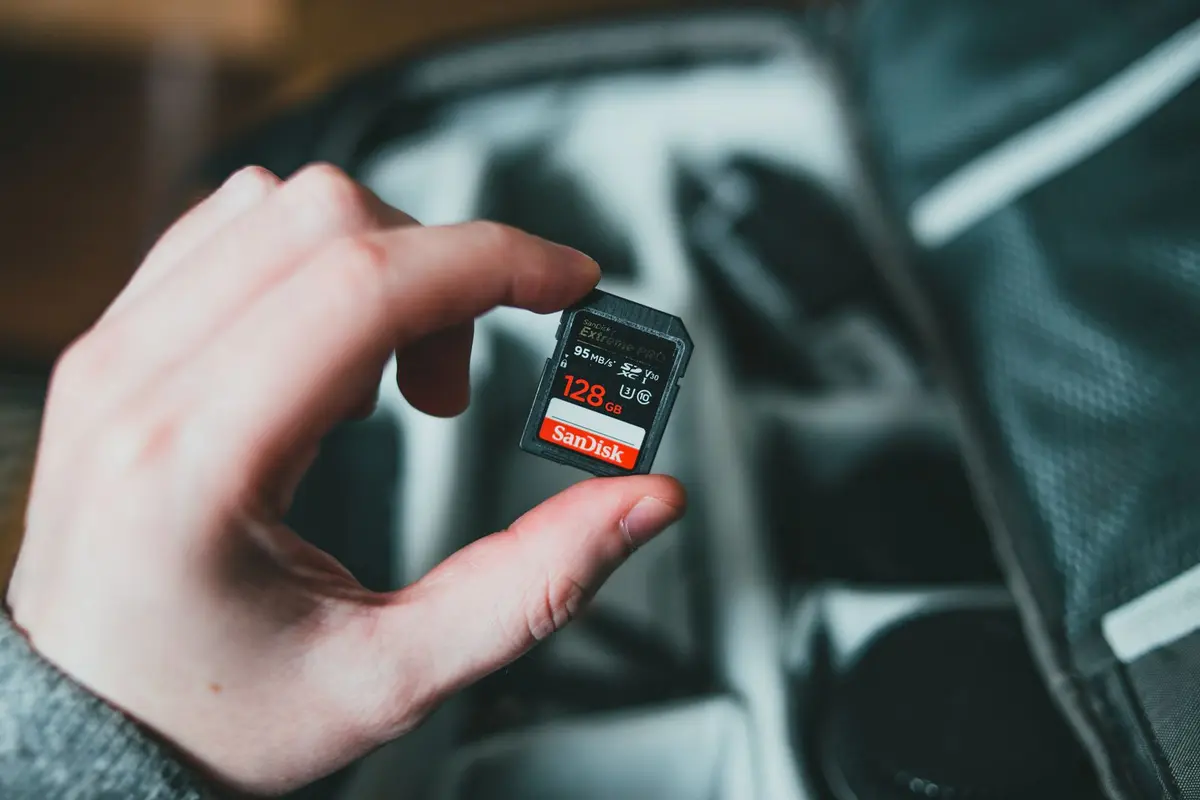
- Difficulty
- Beginner
- Tested on
- UHS-II Hardware - Mirrorless Cameras and Tablets
- You will need
- Device technical manual, compatibility chart
Step by step
Identify the physical form factor
Check your device's storage slot to determine if it requires a full-size SD card or a microSD card. While microSD cards can be used in full-size slots via an adapter, native hardware performance is always preferred to avoid adapter failure.
Note: Always check your device manual to see if it supports high-capacity standards like SDXC or SDUC.Check the Bus Interface standard
Look for the Roman numeral on the card label, typically UHS-I or UHS-II. UHS-II cards feature an extra row of pins and are essential for devices that record high-bitrate 4K or 8K video.
Note: UHS-II cards are backward compatible with UHS-I slots, but you will only see UHS-I transfer speeds.Evaluate the Speed Class rating
Identify the 'V' rating (Video Speed Class), such as V30, V60, or V90. The number indicates the minimum sustained write speed in MB/s; select at least V30 for standard HD video and V90 for professional-grade high-bitrate cinema formats.
Note: Avoid cards without a V-rating if you intend to record high-resolution video.Determine appropriate capacity
Choose a capacity based on your workflow. For 4K recording or high-resolution RAW photography, prioritize cards of 128GB or higher to minimize the frequency of card swaps and reduce potential data corruption points.
Note: Formatting a card in-camera is required every time it is inserted into a new device to establish the correct file system structure.Verify the U3 or Application rating
If the card is for a mobile device or gaming console, look for the 'A1' or 'A2' App Performance rating. This ensures the card has high random read/write speeds, which is critical for running applications directly from the storage media.
Note: A2-rated cards provide significantly better performance for app responsiveness than A1 cards.