How to Evaluate Smart Lock Utility for Your Home
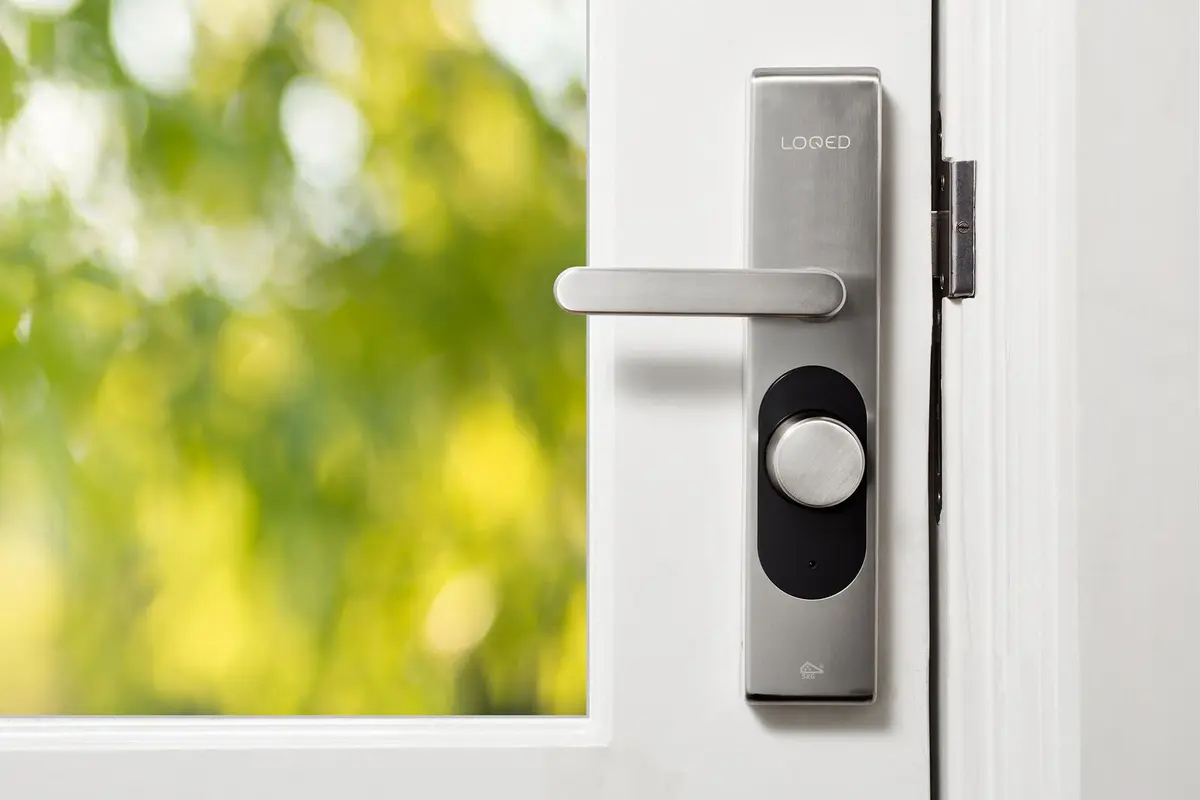
- Difficulty
- Beginner
- Tested on
- Matter 1.3 - iOS 18.4
- You will need
- Access to your existing deadbolt, tape measure, smartphone, home network credentials
Step by step
Verify deadbolt compatibility
Inspect your current door hardware to ensure the deadbolt operates smoothly without manual lifting or pulling. Smart lock motors have limited torque and will stall if the deadbolt requires friction-based adjustments to lock.
Note: Ensure your door strike plate is perfectly aligned with the bolt.Define your access requirements
Determine if you require granular access management, such as temporary codes for visitors or service providers. If you only need remote locking, a basic bridge-connected unit suffices; for activity logs, prioritize locks with audit-trail features.
Note: Standardize on one ecosystem to avoid managing multiple mobile apps.Evaluate power source logistics
Check how the device draws power. Battery-operated units require replacement every 6 to 12 months, while hardwired or rechargeable options reduce maintenance cycles. Verify if you have an accessible power source nearby if opting for wired installation.
Note: Avoid locks that lack a physical key backup for emergency entry.Assess ecosystem integration
Confirm the lock supports your existing smart home platform, such as Apple Home, Google Home, or Amazon Alexa. Devices supporting the Matter protocol provide the most reliable cross-platform functionality without requiring proprietary bridges.
Perform a cost-benefit analysis
Calculate the total cost including potential bridge hardware and subscription fees for premium cloud features. If the primary utility is convenience, prioritize locks with auto-unlock based on geofencing over those requiring manual app interaction.
Note: Subscriptions are rarely required for basic lock and unlock functions.