How to Set Up Smart Home Sensors
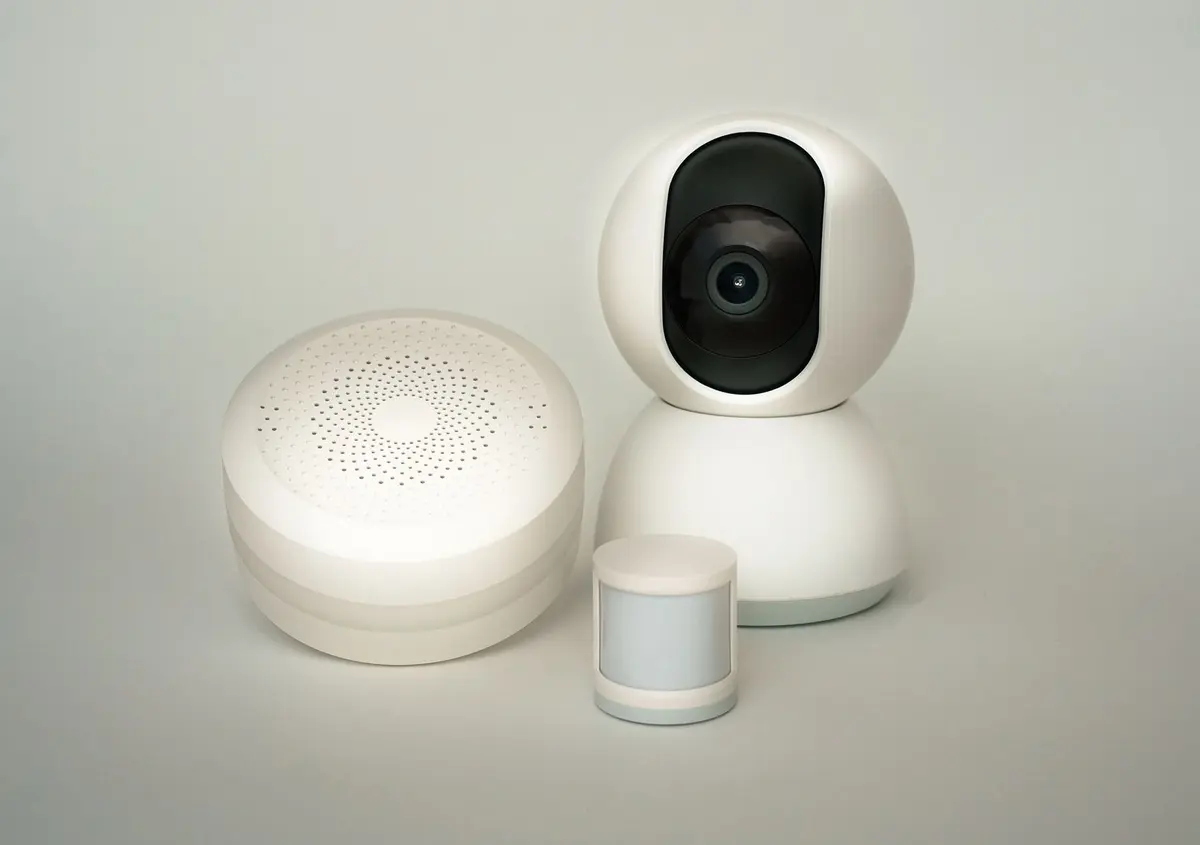
- Difficulty
- Beginner
- Tested on
- iOS 18.4 - HomeKit / Matter Hub
- You will need
- Smart sensor kit, Smartphone with home management app, Wi-Fi 2.4GHz network, Hub (if applicable)
Step by step
Power the sensor and enter pairing mode
Remove the battery pull-tab or insert the provided batteries into the sensor housing. Press and hold the reset or pairing button for 5-10 seconds until the status LED begins to blink rapidly, indicating the device is ready for discovery.
Note: Ensure your smartphone is connected to a 2.4GHz Wi-Fi band if the sensor requires it for initial setup.Add the device to your smart home app
Open your preferred smart home application and navigate to the 'Add Device' or '+' menu. Select 'Scan QR Code' or 'Add Accessory' and follow the on-screen prompts to establish a connection between the sensor and your bridge or hub.
Note: If using a Matter-compatible device, you can use the numeric code found on the sensor or the packaging.Assign the sensor to a room and name it
Rename the device to a specific, functional label such as 'Front Door Contact' or 'Hallway Motion' to make voice commands more intuitive. Assign the sensor to a specific room within your home layout to maintain organized device categorization.
Test the signal and sensor sensitivity
Place the sensor in its intended final mounting location temporarily. Trigger the sensor to ensure it reports status updates to your app without latency before removing the adhesive backing for permanent installation.
Note: Check the battery level in the device settings to ensure it reported a 100% health status after pairing.Create your first automation routine
Navigate to the 'Automations' tab and create a new rule triggered by your sensor. Set the 'If' condition to the sensor state, such as 'When motion is detected,' and set the 'Then' action to your desired outcome, like 'Turn on Living Room Light.'
Note: Set a 'Turn off' timer in the automation if you are using a motion sensor to prevent lights from staying on indefinitely.