How to Plan a Wired Ethernet Network for Your Home Office
- Difficulty
- Intermediate
- Tested on
- Cat 6a Cabling / Gigabit Switches
- You will need
- Cat 6a Ethernet cable, Gigabit or 10G unmanaged switch, RJ45 crimping tool, wall plates, cable tester
Step by step
Map your office layout
Identify the precise location for your router and each peripheral requiring a hardline. Avoid running cables across walkways or under rugs, as these positions lead to cable damage and safety hazards. Sketch the path from your main network switch to the destination port to estimate the total cable length required.
Note: Keep runs under 100 meters (328 feet) to maintain signal integrity.Select the correct cabling standard
Purchase Category 6a (Cat 6a) Unshielded Twisted Pair (UTP) solid copper cabling for your walls. This standard supports 10Gbps speeds and minimizes crosstalk between wires. Avoid copper-clad aluminum (CCA) cables, which provide poor performance and pose fire risks.
Note: Ensure your cables are Riser (CMR) or Plenum (CMP) rated if running through walls.Install your network switch
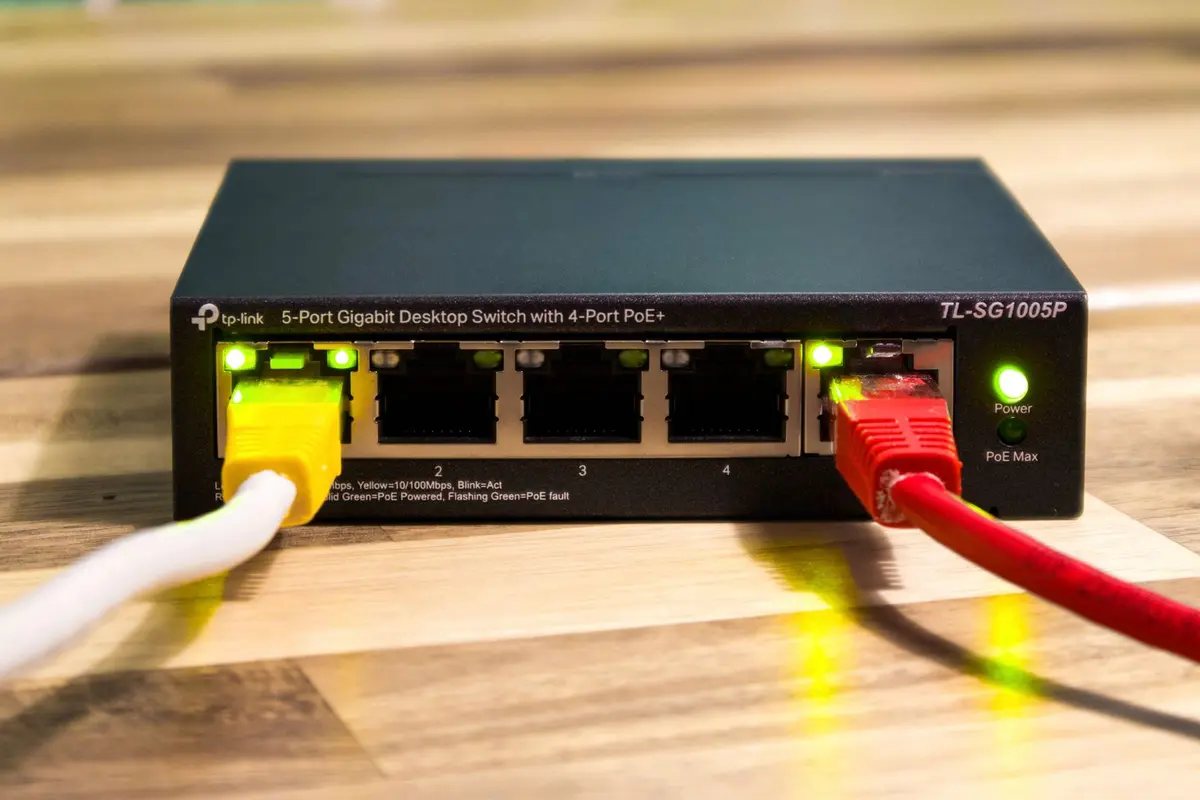
Place an unmanaged Gigabit or 10G switch near your primary workspace to expand your port count. Connect the switch to your router using a patch cable from one of the router’s LAN ports. Power on the switch and ensure the status LED for the uplink port is active.
Note: Choose a switch with a metal chassis for improved heat dissipation.Terminate wall jacks
Strip the outer jacket of the Ethernet cable using a stripper, then untwist the pairs and insert them into the Keystone jack according to the T568B color-coding standard printed on the module. Use a punch-down tool to seat each wire firmly into its slot. Snap the completed jack into a faceplate mounted on the wall.
Note: Ensure you maintain the same T568B configuration at both ends of the run.Test signal continuity
Connect a network cable tester to both the wall jack and the source switch port. Cycle through the test pins to confirm that all eight conductors have a solid, uninterrupted connection. If any pin fails, re-terminate the affected jack connection.
Note: A flashing LED sequence confirms the cable is correctly wired for data transmission.Verify device connection
Connect your desktop or workstation to the wall port using a factory-made Cat 6a patch cable. Access the network settings on your OS to verify the connection is negotiated at the switch's maximum speed. Disable the device's Wi-Fi adapter to force all traffic through the Ethernet interface.
Note: Check your router's web interface to confirm the device appears in the client list.