How to Decide If a Desktop Is Better for Remote Work
- Difficulty
- Beginner
- Tested on
- Windows 11 / macOS Sequoia
- You will need
- Access to your current workflow metrics, list of essential software, workspace floor plan
Step by step
Assess your mobility requirements
Determine if your job requires you to work from locations other than your primary desk. If your workflow remains tethered to a single room 95% of the time, the portability of a laptop is an unnecessary compromise. Desktops provide superior thermal management and sustained performance for consistent, stationary work.
Note: If you travel more than once a month for work, prioritize a laptop with a high-quality docking station.Calculate your hardware demand
Identify if your software requires intensive continuous processing, such as video rendering, 3D modeling, or compiling large codebases. Desktops allow for better cooling, preventing the thermal throttling common in thin-and-light laptops during extended heavy workloads. Check the recommended system requirements for your primary applications to see if they demand dedicated desktop-grade GPUs.
Note: Look at the 'Recommended Specs' on your software developer's website, not the 'Minimum Specs'.Define your ergonomic footprint
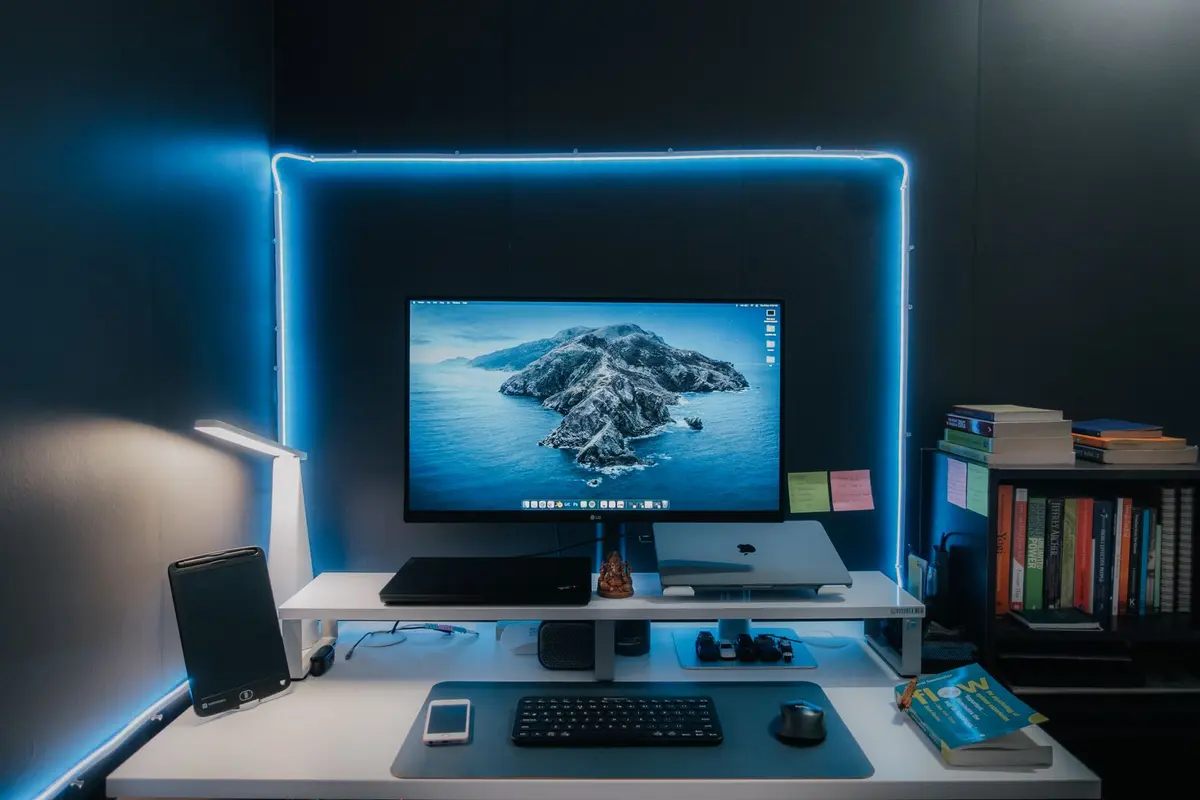
Consider the physical layout of your workspace and your comfort requirements. Desktops enable the use of full-sized ergonomic keyboards, vertical mice, and large-format monitors without the cable clutter associated with laptop docks. Assess if you have enough desk space to support a dedicated tower or mini-PC setup.
Note: A dedicated desktop setup usually results in better posture due to fixed monitor height alignment.Review long-term maintenance costs
Factor in the cost of upgrades and part replacements over a five-year lifecycle. Most desktops allow you to easily replace components like RAM, storage drives, and power supplies individually as technology evolves. Compare this modularity against the fixed, soldered architecture of modern high-end laptops that often require full replacement if one component fails.
Note: Desktops generally offer a better cost-per-unit of performance compared to laptops of the same price.Identify hardware connectivity needs
List every peripheral currently connected to your workstation, including audio interfaces, capture cards, external drives, and multiple monitors. If you require more than three high-speed ports or specialized PCIe cards, a desktop provides direct integration. Verify if a laptop dock can support your specific bandwidth requirements without data bottlenecking.
Note: Always check for USB-C or Thunderbolt 4 throughput limits if choosing a laptop route.