Choosing Between a Laptop and a Desktop: A Hardware Decision Guide
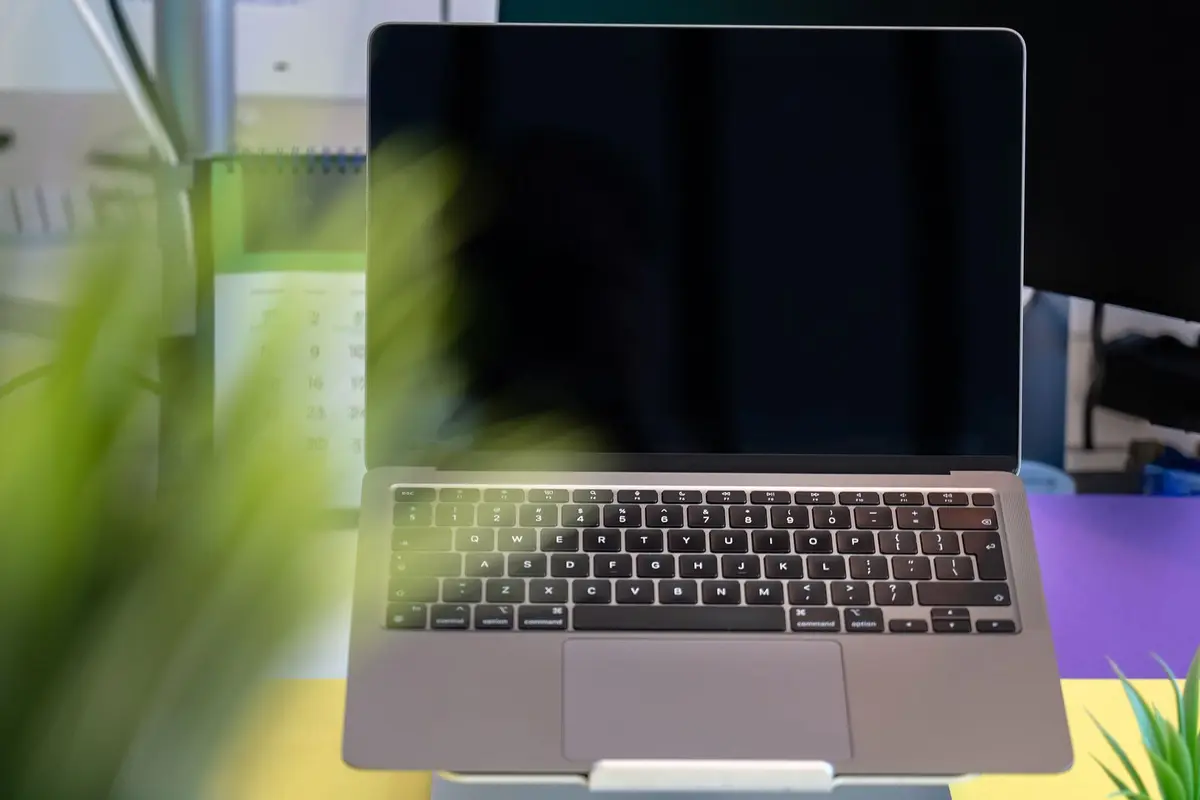
- Difficulty
- Beginner
- Tested on
- macOS Sequoia / Windows 11 Pro
- You will need
- Workload analysis, budget allocation, defined workspace
Step by step
Assess your mobility requirements
Determine if you require computing power away from a fixed workstation. If your work flows across multiple locations or requires frequent travel, a laptop is mandatory. If you operate exclusively from a single desk, proceed to evaluate performance-to-cost ratios.
Note: A laptop is a commitment to battery health maintenance and screen size limitations.Define your performance ceiling
Desktops offer superior thermal dissipation, allowing for sustained high-intensity tasks like 3D rendering or complex compiling. Laptops throttle performance when internal temperatures rise. Prioritize a desktop if your workload consistently pushes CPU usage above 80% for durations exceeding 30 minutes.
Analyze upgradeability and maintenance
Desktop systems allow for modular replacement of GPUs, RAM, and storage drives. Most modern laptops feature soldered components, rendering internal upgrades impossible after purchase. Select a desktop if you intend to extend the machine's lifespan through hardware modifications.
Note: Check the manufacturer's technical specifications for user-serviceability ratings.Examine desk real estate
Desktops require a dedicated footprint for the tower, monitor, and peripherals. Laptops provide a clean, cable-minimal aesthetic when closed or stored. Choose a desktop only if you have physical space for permanent cable management and external cooling solutions.
Factor in total cost of ownership
Desktop systems provide higher performance per dollar because they do not require miniaturization or battery integration. Calculate the price of a monitor, keyboard, and mouse when budgeting for a desktop. Laptops include these components, often reducing the hidden costs of initial setup.
Note: Always account for the cost of an external monitor if opting for a laptop to improve ergonomics.