How to Choose the Right Mini PC for Your Workflow
- Difficulty
- Intermediate
- Tested on
- Windows 11 / Linux (Ubuntu 24.04)
- You will need
- Performance requirements list, Budget constraints, Peripheral compatibility list
Step by step
Define your primary workload
Identify if the system requires high single-core speed for productivity, multi-core performance for virtualization, or a robust integrated GPU for media encoding. Productivity tasks require higher clock speeds, while home server setups benefit from more physical cores and low idle power consumption.
Note: Choose an Intel Core i5 or Ryzen 5 equivalent for a balanced performance baseline.Check memory and storage expandability
Verify the presence of two SO-DIMM slots to allow for dual-channel memory configuration, which is critical for integrated graphics performance. Ensure the unit includes at least one M.2 NVMe SSD slot and confirm if there is additional space for a 2.5-inch SATA drive if you require high-capacity bulk storage.
Note: Avoid systems with soldered RAM if you plan to upgrade in the future.Assess I/O port requirements
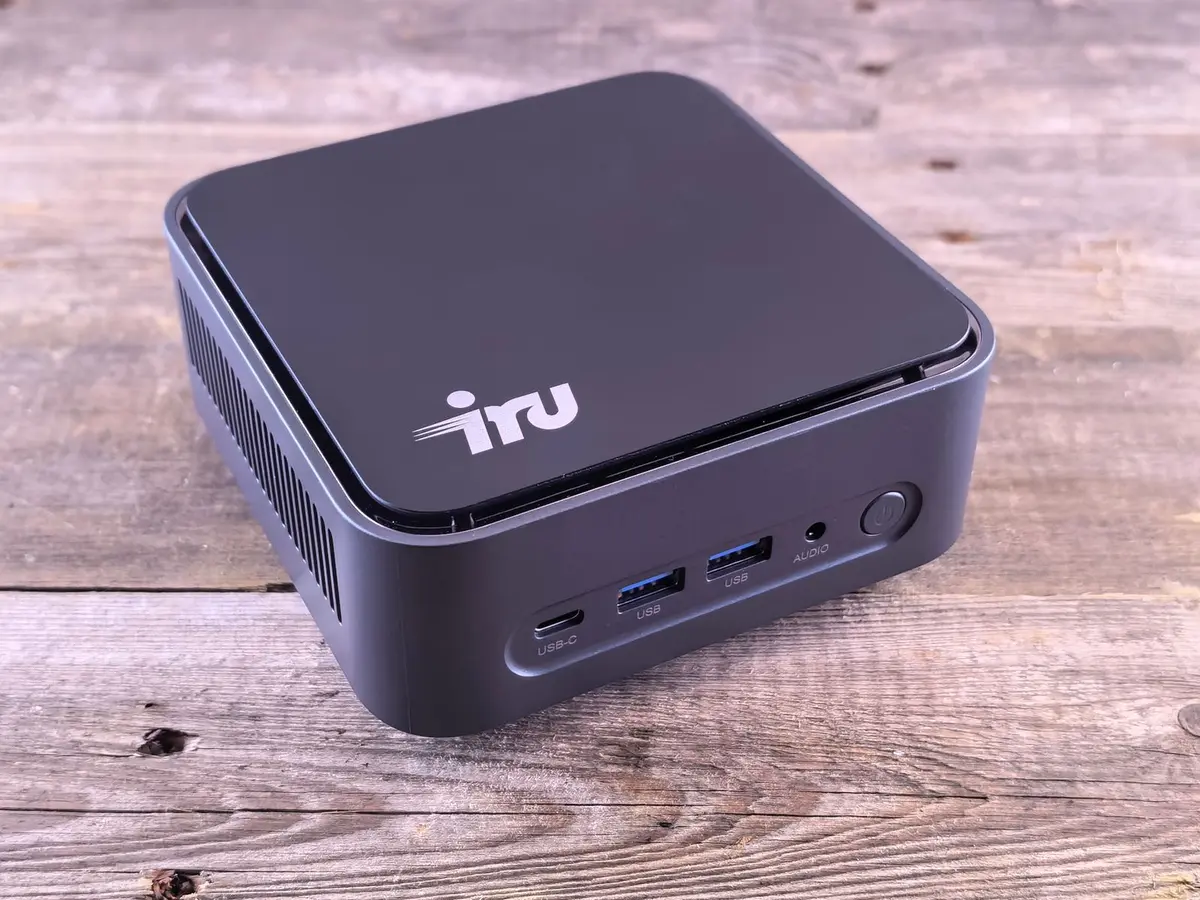
Map your peripheral requirements to the available ports on the Mini PC. Confirm the inclusion of USB-C with Thunderbolt or DisplayPort Alt Mode support for single-cable display solutions, and ensure there are enough USB-A ports for legacy peripherals. Verify the presence of a 2.5GbE Ethernet port if high-speed network connectivity is required.
Note: Check for HDMI 2.1 or DisplayPort 1.4 support to ensure compatibility with high-refresh-rate monitors.Review thermal management design
Examine the chassis venting and fan placement to ensure adequate airflow under full load. Compact cases without active cooling or sufficient ventilation will lead to thermal throttling, reducing the system's effective performance during sustained tasks. Prioritize units with user-replaceable fan assemblies.
Note: Larger Mini PCs often offer better noise-to-performance ratios than ultra-small form factor units.Confirm OS and driver support
Verify that the manufacturer provides consistent BIOS updates and Windows or Linux driver support. Check community forums for reports of stability issues or Linux kernel compatibility if you intend to run a non-Windows operating system. Reliability hinges on the vendor's commitment to long-term firmware maintenance.
Note: Avoid obscure brands with no dedicated support portal for firmware downloads.