How to Choose the Right Docking Station for Your Laptop
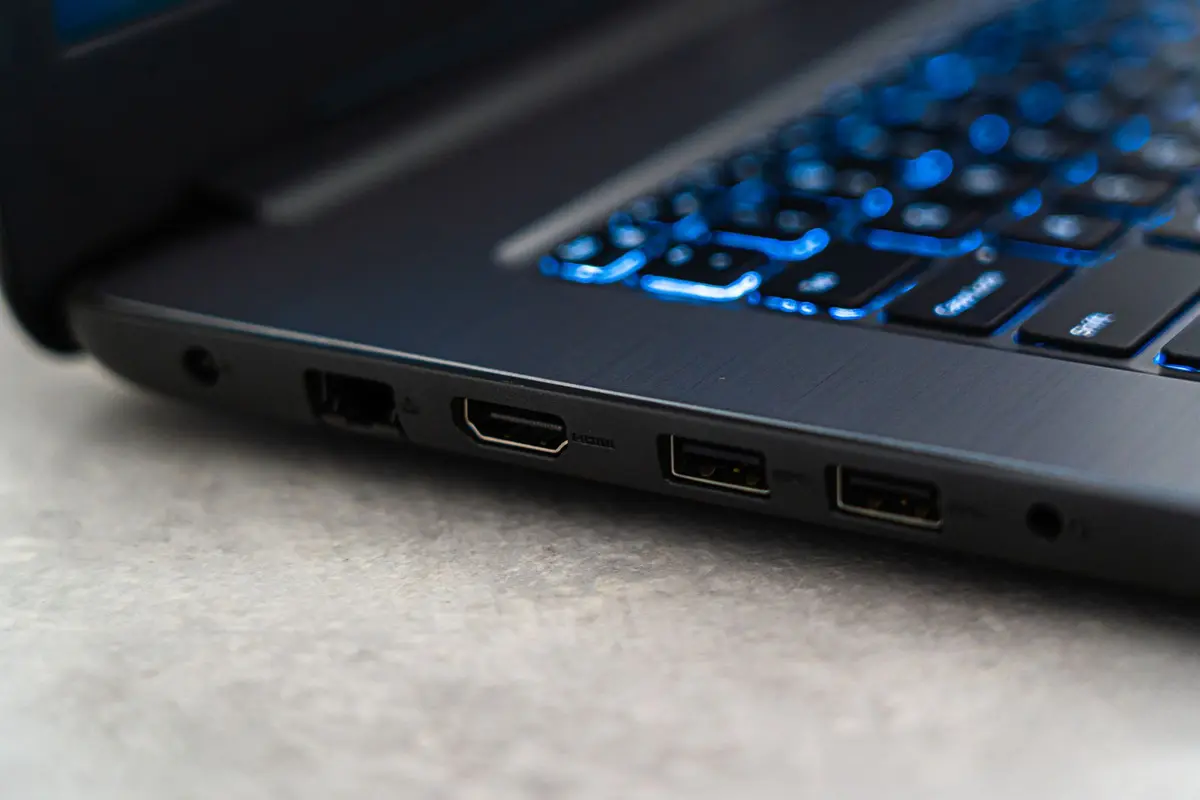
- Difficulty
- Beginner
- Tested on
- macOS Sequoia, Windows 11
- You will need
- Laptop technical specifications sheet, list of required peripheral devices
Step by step
Verify your laptop's port specifications
Identify the exact version of your USB-C or Thunderbolt port. Look for the lightning bolt icon (Thunderbolt 3 or 4) or the DisplayPort logo next to the port to determine if it supports high-bandwidth data and video output.
Note: A standard USB-C port may not support external displays; consult your laptop manual.Assess power delivery requirements
Check the wattage of your laptop’s original power adapter. Select a docking station that provides equal or greater power delivery (PD) output to ensure your laptop charges while connected.
Note: Using a dock with lower wattage than required will result in slow charging or battery drain.Define your monitor resolution and refresh rate
Confirm if your monitor setup requires HDMI 2.1 or DisplayPort 1.4 for 4K or 8K resolution. Ensure the docking station specifically lists support for your desired resolution and refresh rate across all required display outputs.
Note: Multi-monitor setups often require DisplayLink or Thunderbolt 4 bandwidth.Audit your peripheral connectivity needs
Count the number of USB-A and USB-C devices you connect simultaneously, such as external drives, keyboards, and mice. Verify the dock includes sufficient ports and internal bandwidth to manage these devices without performance drops.
Note: Prioritize USB 3.2 Gen 2 ports for high-speed data transfer.Verify OS compatibility
Check the docking station manufacturer's compatibility list for your specific operating system version. Some docks require proprietary drivers for advanced features like dual monitor support on macOS.
Note: Avoid drivers if possible; choose hardware that supports native DisplayPort Alt Mode.Finalize your selection
Cross-reference your requirements against product datasheets. Select a unit that exceeds your current needs by at least one high-speed data port and one video output to ensure future-proofing.
Note: Solid metal housings generally provide better heat dissipation than plastic.