How to Create a Consistent Character in Midjourney
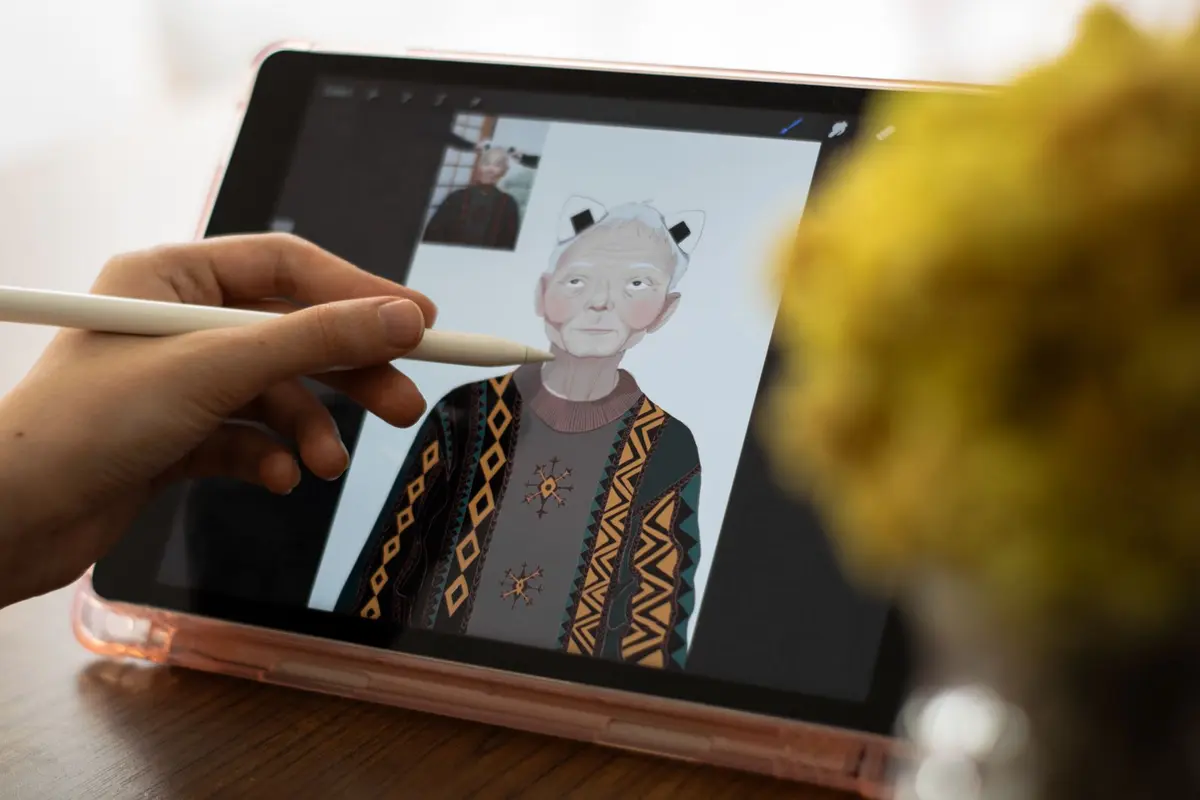
Creating consistent characters in Midjourney requires strategic use of character reference features and careful prompt construction. This technique ensures your character maintains the same appearance across multiple generated images.
- Difficulty
- Intermediate
- Time
- 15 minutes
Step by step
Generate your initial character design
Create a detailed prompt describing your character's physical features, clothing, and style. Include specific details like hair color, facial features, age, and distinctive characteristics. Use descriptive terms like 'auburn hair in a bob cut, green eyes, freckles, wearing a blue denim jacket' to establish clear visual elements.
Note: Add lighting and composition details like 'studio lighting' or 'portrait style' to get cleaner reference images for consistency.Select your best character image as reference
Choose the generated image that best captures your intended character design. Right-click the image and select 'Copy image address' or save it to your device. This image will serve as your character reference for all future generations.
Note: Pick images with clear, unobstructed views of the character's face and key features for the most effective reference.Use the character reference parameter
In your new prompt, add '--cref [image_url]' at the end, replacing [image_url] with your reference image URL. If you uploaded the image to Discord, paste the image into the prompt field and add '--cref' after your text prompt. This tells Midjourney to match the character's appearance.
Note: You can use multiple character references by adding multiple URLs after --cref, separated by spaces.Adjust character reference weight
Control how closely Midjourney follows your reference by adding '--cw' followed by a number from 0 to 100. Use '--cw 100' for maximum similarity to the reference, '--cw 50' for moderate influence, or '--cw 0' to focus only on facial features while allowing outfit changes.
Note: Start with --cw 100 for strict consistency, then lower the value if you want more variation in poses or clothing.Maintain consistent prompt structure
Keep core character descriptors consistent across prompts while changing only the elements you want to vary, such as pose, background, or actions. Structure your prompts as '[character description], [new scene/action], [style parameters], --cref [url] --cw [weight]'.
Note: Create a saved character description template that you can copy and modify for different scenarios.Use style reference for consistent aesthetics
Combine character reference with style reference by adding '--sref [style_image_url]' to maintain both character appearance and artistic style. This ensures your character not only looks the same but also maintains consistent lighting, color palette, and artistic treatment.
Note: Use the same style reference image across all generations to maintain visual cohesion in your character series.Test and refine your character consistency
Generate multiple variations of your character in different poses and settings to verify consistency. If certain features aren't maintaining properly, adjust your reference weight or add more specific descriptors to your prompt. Save successful prompt combinations for future use.
Note: Keep a document with your tested prompt formulas and successful parameter combinations for each character you create.